Presentations & Productivity

The Slide Is Dead. Long Live the Slide.

AI can now create a deck faster than you can open PowerPoint. But as tools get smarter, a louder chorus is asking: should we be making slides at all?

Listen
Abstract visualization of presentations evolving from analog projectors to holographic digital interfaces
01

A Scientist Says 99% of Corporate Presentations Are Useless. He's Mostly Right.
Corporate slides crumbling into fragments in an empty conference room

A viral op-ed from a research scientist has reignited the eternal flame war: are presentations worth the pixels they're projected on? The author's thesis is blunt—corporate decks exist to "warm up the group" and perform alignment rather than transfer information. The actual data? Better communicated in a memo.

The piece struck a nerve because it echoes what Amazon's famous six-page memo culture has preached for years: dense, well-reasoned prose forces clearer thinking than bullet points ever can. And as AI makes generating slides trivially easy, we're drowning in decks nobody reads. The median PowerPoint has become ambient corporate wallpaper.

But here's the counterargument the author glosses over: presentations aren't about information transfer. They're about presence. Standing in front of a room, reading the audience, pivoting mid-slide based on the CFO's furrowed brow—that's a fundamentally different skill than writing a memo. The problem isn't the format. It's that most people use presentations as crutches when they should be using them as stages.
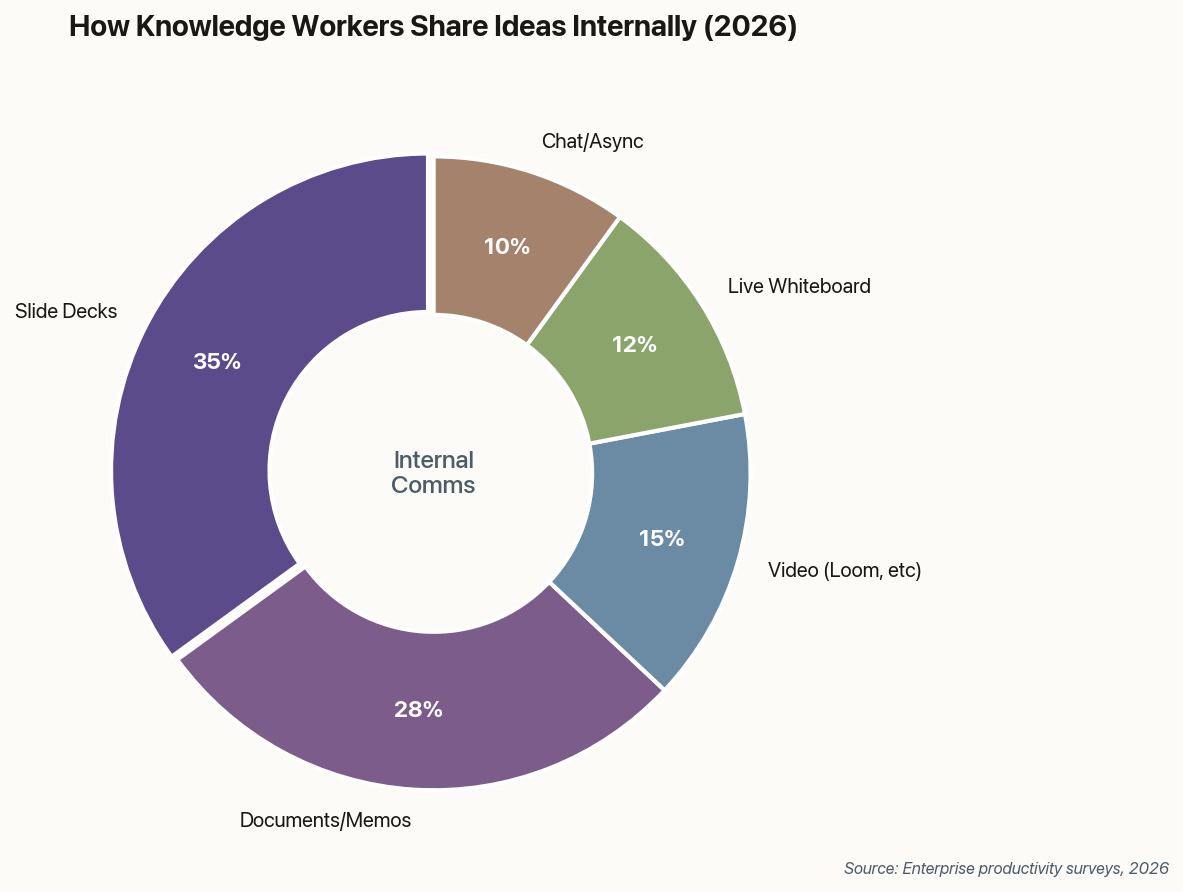
Donut chart showing how knowledge workers share ideas: 35% slides, 28% documents, 15% video, 12% whiteboard, 10% chat
Despite the backlash, slide decks remain the dominant format for internal knowledge sharing—though documents are gaining ground.
02

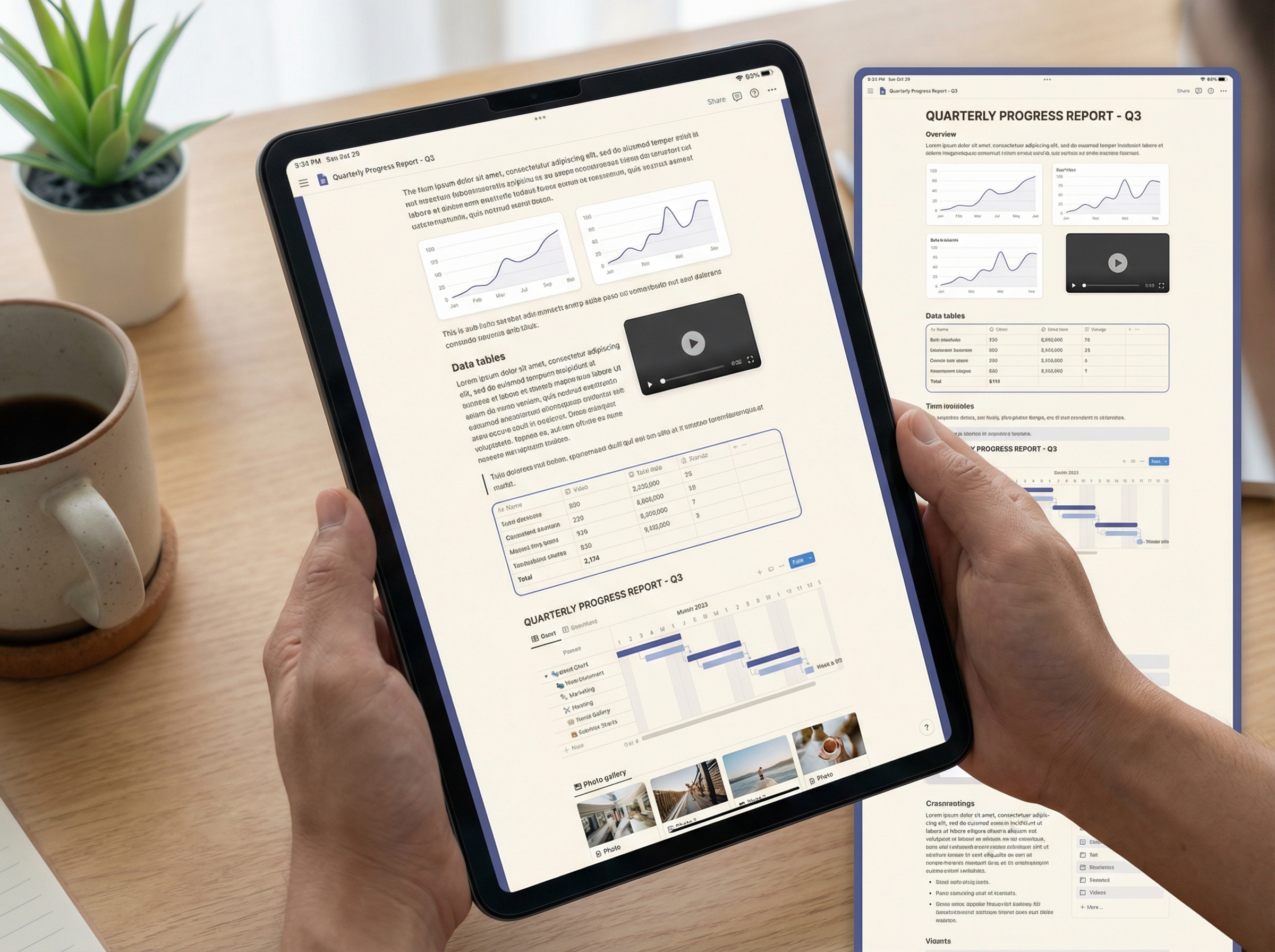
Notion's Bet: The Best Presentation Is No Presentation

Flowing infinite scroll document with embedded rich media replacing static slides

Notion isn't building a slide tool. That's the point. Their January update dropped support for GPT-5.2 and Gemini 3 models, along with mobile AI that instantly transcribes and summarizes voice notes into shareable docs. Pages now load 27% faster on Windows. The message is clear: the future of internal updates is a scrolling, living document—not a stepped slide show.

This "docs over decks" philosophy has been brewing for years, but Notion is now explicitly positioning itself as a deck replacement. Their new automation features let you embed charts, toggle blocks for Q&A, and create templates that update in real-time. It's everything a deck does, minus the artificial pagination.

The risk? Documents lack ceremony. There's something psychologically powerful about clicking "next slide" while a room full of executives watches. A Notion page can't replicate that theater. But for the 80% of presentations that are really just status updates dressed in animations? The document wins on every dimension that matters: scanability, linkability, searchability, and—crucially—not requiring everyone to sit in the same room at the same time.

03

PowerPoint's "Agent Mode" Means AI Becomes Your Junior Designer

Chat bubbles transforming into polished presentation slides

Microsoft confirmed the February rollout of "Agent Mode" for PowerPoint—and it represents a fundamental shift in how AI interacts with presentations. Instead of one-shot generation ("create a deck about Q4 results"), you can now have a conversation: "Make this slide punchier." "Match our Q3 brand guidelines." "Add a chart showing growth, but make it less busy."

The upgrade moves AI from template engine to creative collaborator. It maintains context across iterations, understands your company's design language, and—critically—doesn't start from scratch every time you give feedback. Think of it less as "AI creates slides" and more as "AI is an always-available design intern who actually remembers your preferences."

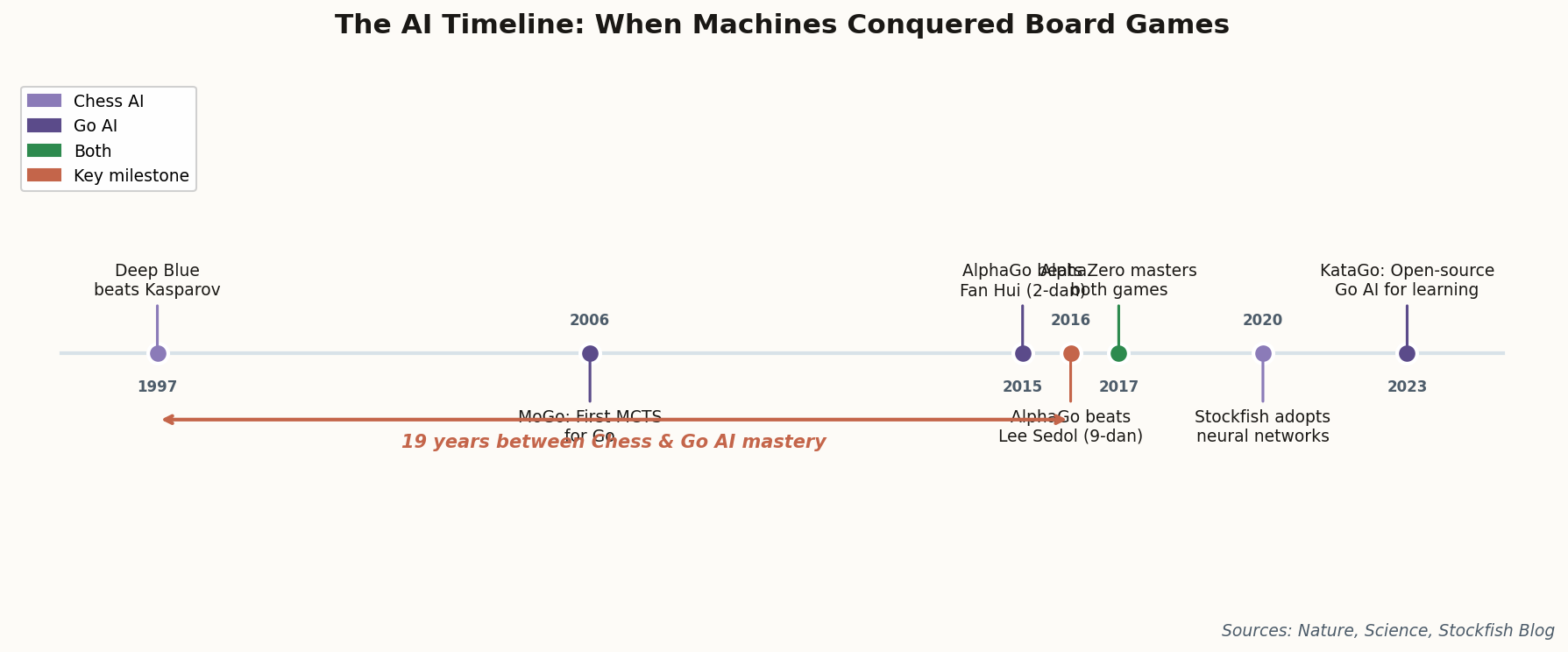
Timeline showing AI presentation tool launches from 2022 to 2026
The AI presentation arms race: from Tome's 2022 launch to Microsoft's Agent Mode in 2026.

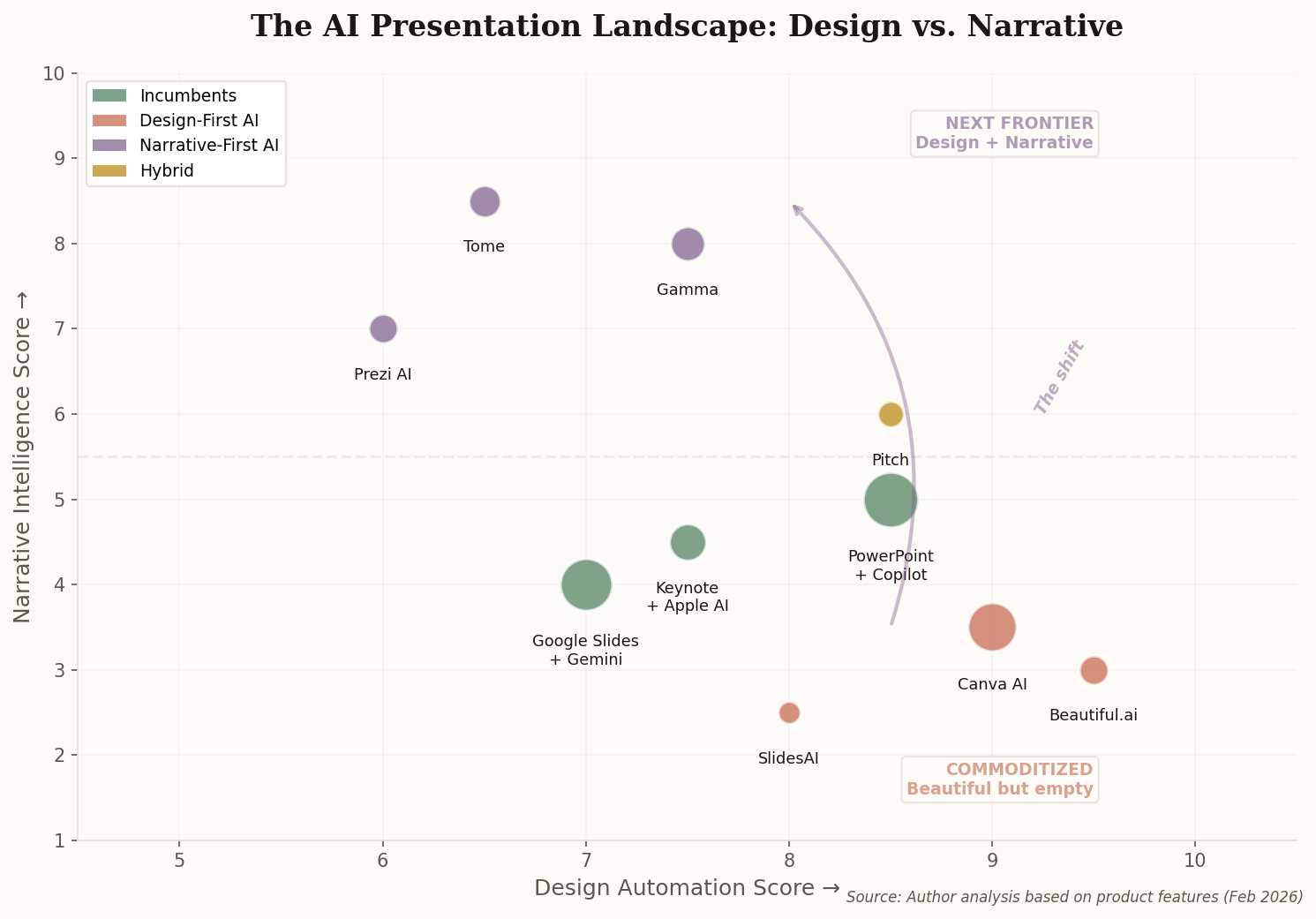
The competitive implications are significant. Gamma, Tome, and Beautiful.ai have spent years building AI-native presentation tools. Now Microsoft is retrofitting the same capabilities into the tool that already owns 90% of the enterprise market. The question isn't whether Agent Mode is good—it's whether the startups can survive Microsoft adding "good enough" AI to an entrenched incumbent.

04

Apple Puts a Paywall on Keynote's Best Features

Keynote interface with AI neural threads and premium subscription badge

Apple announced "Creator Studio," a $9.99/month subscription that gates Keynote's new AI features behind a paywall. The basic app remains free—you still get the new Liquid Glass UI and shape updates. But the "intelligent features"? Premium templates? AI image generation for slides? Those are now subscription-only.

This marks Apple's first freemium play in productivity software. For years, iWork apps were a competitive weapon: "Buy a Mac, get Office alternatives for free." Now Apple is treating generative AI as a premium tier worth paying for separately. The bet is that professionals will pay $120/year for AI-assisted design when the alternative is learning Photoshop or hiring a designer.

Bar chart comparing traditional presentation tools vs AI-native tools across capability categories
AI-native tools lead on content generation and design automation; traditional tools still dominate enterprise integration.

The broader signal: every major productivity player is racing to monetize AI capabilities as a separate revenue stream. Microsoft Copilot costs $30/user/month. Google's Gemini for Workspace is $20. Now Apple joins at $10. The free tier of productivity software is shrinking—and the paid tier is getting smarter.

05

The One-Idea Slide: Why Mobile-First Design Is Reshaping Decks

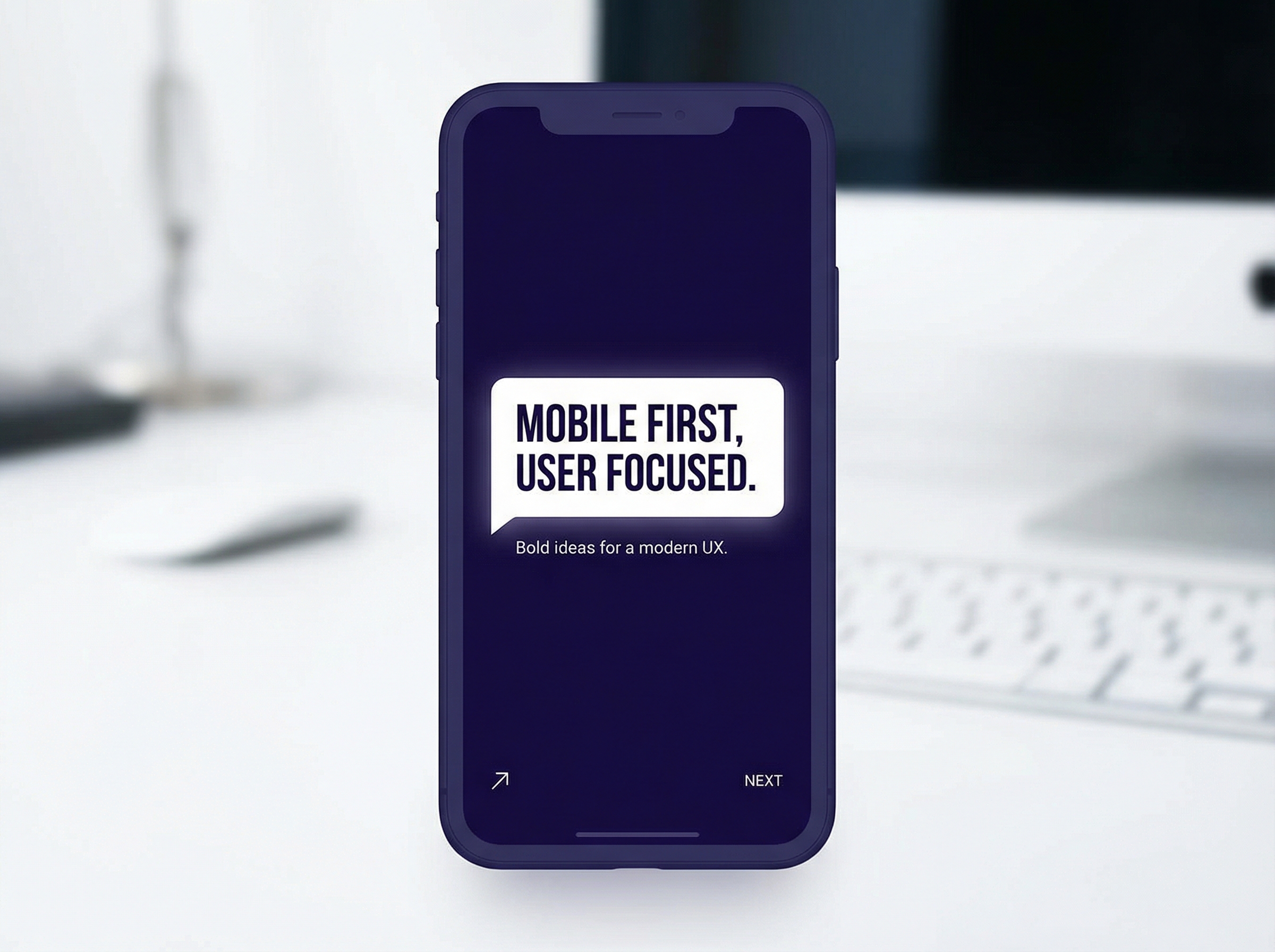
Single elegant slide with one bold idea on a smartphone screen

A design trend report identifies "audience-adaptive design" as 2026's defining shift in presentations. The core insight: slides are now consumed on phones, often without a presenter. That forces a brutal reckoning with information density. If your slide requires explanation, it fails the phone test.

The implications are profound. The classic "three bullets with sub-bullets" slide is dead. Complex data visualizations that looked impressive on a projector become unreadable on a 6-inch screen. The winning formula? One idea per slide. High contrast. Minimal text. The slide should communicate in three seconds or not at all.

This isn't just aesthetics—it's a functional response to how remote work changed consumption. When half your audience is watching the recording at 1.5x speed on their commute, the old rules don't apply. The presenter's voice becomes optional. The visuals carry the entire cognitive load. That's either liberating (simpler slides!) or terrifying (your crutch is gone!), depending on how much you relied on explaining your way through bad design.

06

Adobe Wants to Turn Every PDF Into a Presentation

PDF pages unfolding and reforming into presentation slides like origami

Adobe's updated Acrobat Studio now converts PDFs directly into editable slide decks. Take that 40-page quarterly report, feed it to Firefly, and get back a 12-slide executive summary with auto-generated visuals. The integration with Adobe Express means the output actually looks good, not like a PowerPoint template from 2008.

This attacks a real problem: enterprises are drowning in PDFs that never get read. Reports get filed, not consumed. By making format conversion trivially easy, Adobe is arguing that content should flow seamlessly between reading mode (PDF) and presenting mode (slides). The source material stays canonical; the presentation becomes a view, not a copy.

The strategic play is clear. Adobe owns the PDF. If they can own the PDF-to-slides pipeline, they become indispensable to enterprise communications in a way Photoshop and Illustrator never were. The question is whether "AI-summarized slides from a report" can ever match the quality of slides created with intent. Sometimes the summary is exactly what you need. Sometimes the summary misses the point entirely. AI doesn't know which is which.

The Format War Isn't Over—It's Fracturing

The presentation isn't dying. It's splitting into two species: the asynchronous document (consumed alone, at your own pace) and the theatrical performance (experienced together, in the moment). AI makes the first trivially easy to create. The second still requires a human who can read a room. The companies that recognize the difference will stop asking "slides or docs?" and start asking "what experience does this audience need?"