Photo Storage

The Weight of Memory

When your photography library crosses 10TB, you're no longer managing files—you're running a small data center. Here's what's changing in 2026 and why the window to buy drives may be closing.

Listen
A vast digital archive room with glowing hard drives stacked like library shelves, photographer's camera equipment in the foreground casting long shadows
01

The Real Cost of Cloud: A 2026 Price Check
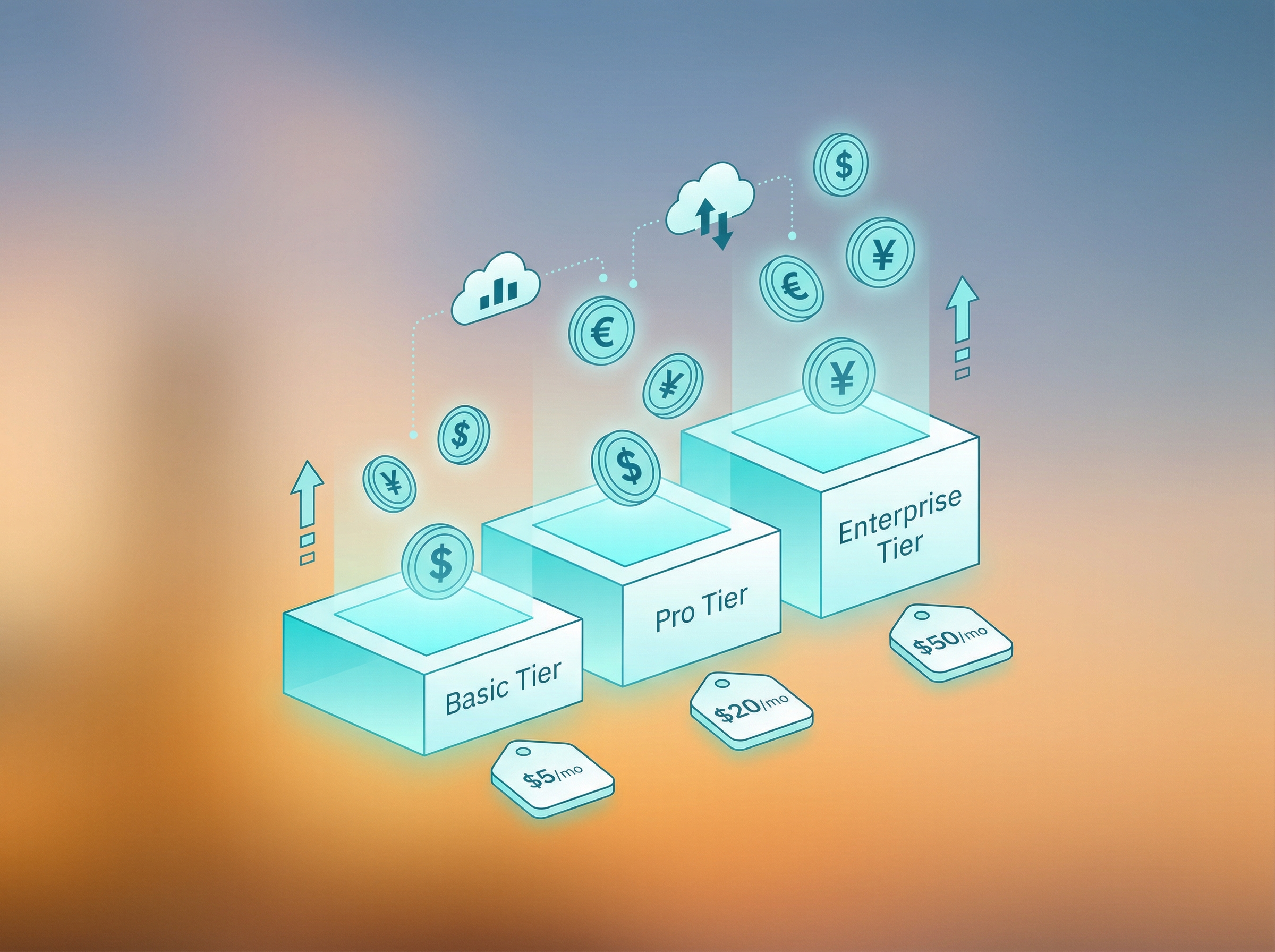
Abstract visualization of cloud storage pricing tiers as ascending platforms

Let's cut through the marketing noise: if you're backing up a 10TB photo library to the cloud, your monthly bill ranges from $60 to $230 depending on where you park it. Backblaze B2 remains the budget champion at $6/TB/month with zero egress fees—a critical detail when you need to actually retrieve your photos after a drive failure.

Wasabi's new Cloud NAS service ($8.99/TB/month, 10TB minimum) attempts a different value proposition: mount it as a network drive and skip the sync software entirely. For studios with multiple editors accessing the same archive, this could eliminate an entire category of workflow friction. But that $30/month premium over B2 adds up—$1,800 over five years for convenience.
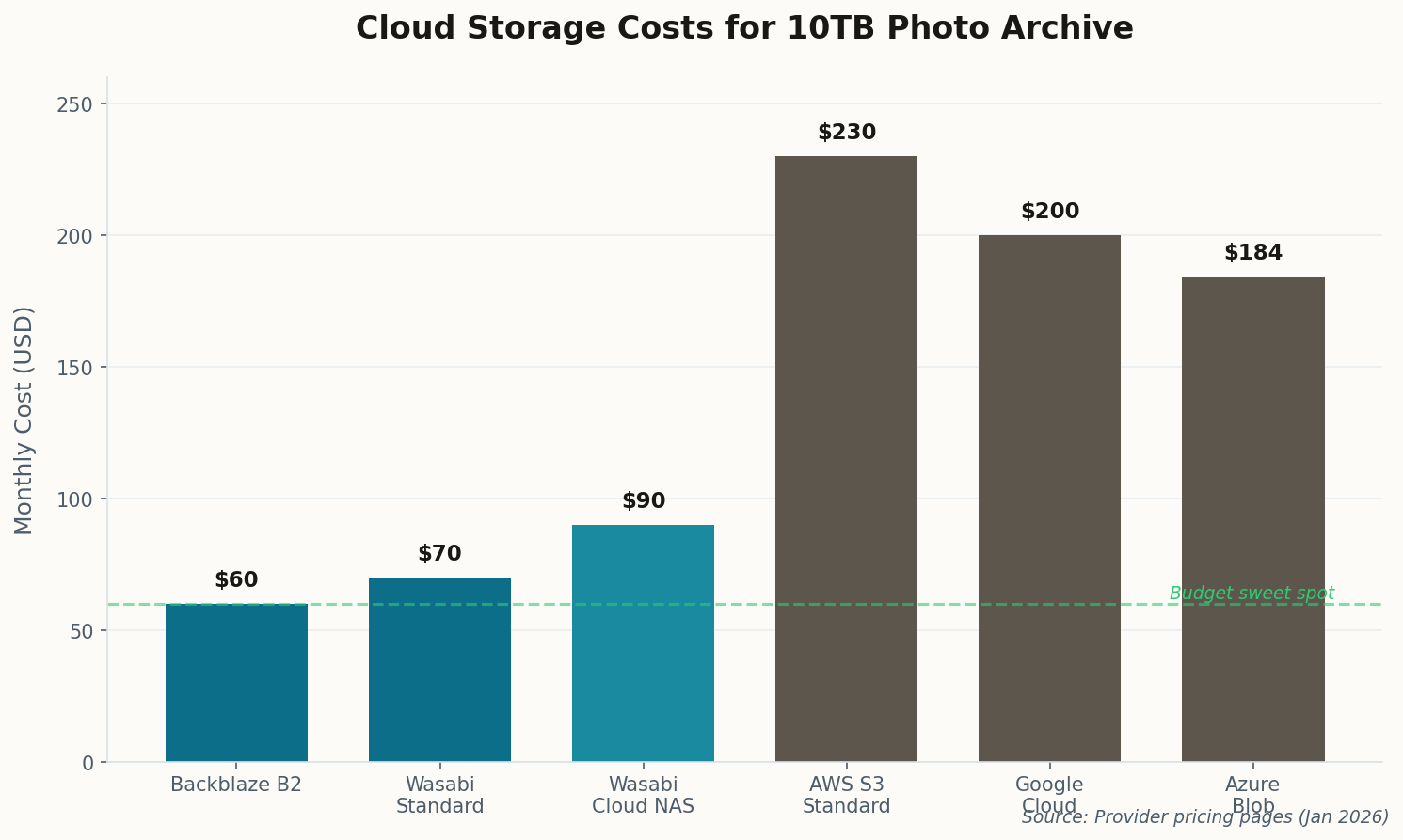
Horizontal bar chart comparing cloud storage pricing across providers
Monthly cost per TB across major providers. Glacier Deep Archive offers the lowest rate but charges steep retrieval fees.

The elephant in the room: AWS S3 Standard at $23/TB makes sense only if you're already embedded in the AWS ecosystem. For pure archival with rare retrieval, Glacier Deep Archive's $0.99/TB looks attractive until you factor in the $20+/TB retrieval cost and 12-hour wait times. When your client needs that wedding photo now, Glacier is useless.

02

Western Digital Joins the HAMR Race—Finally

Futuristic hard drive platters with heat-assisted magnetic recording laser beams

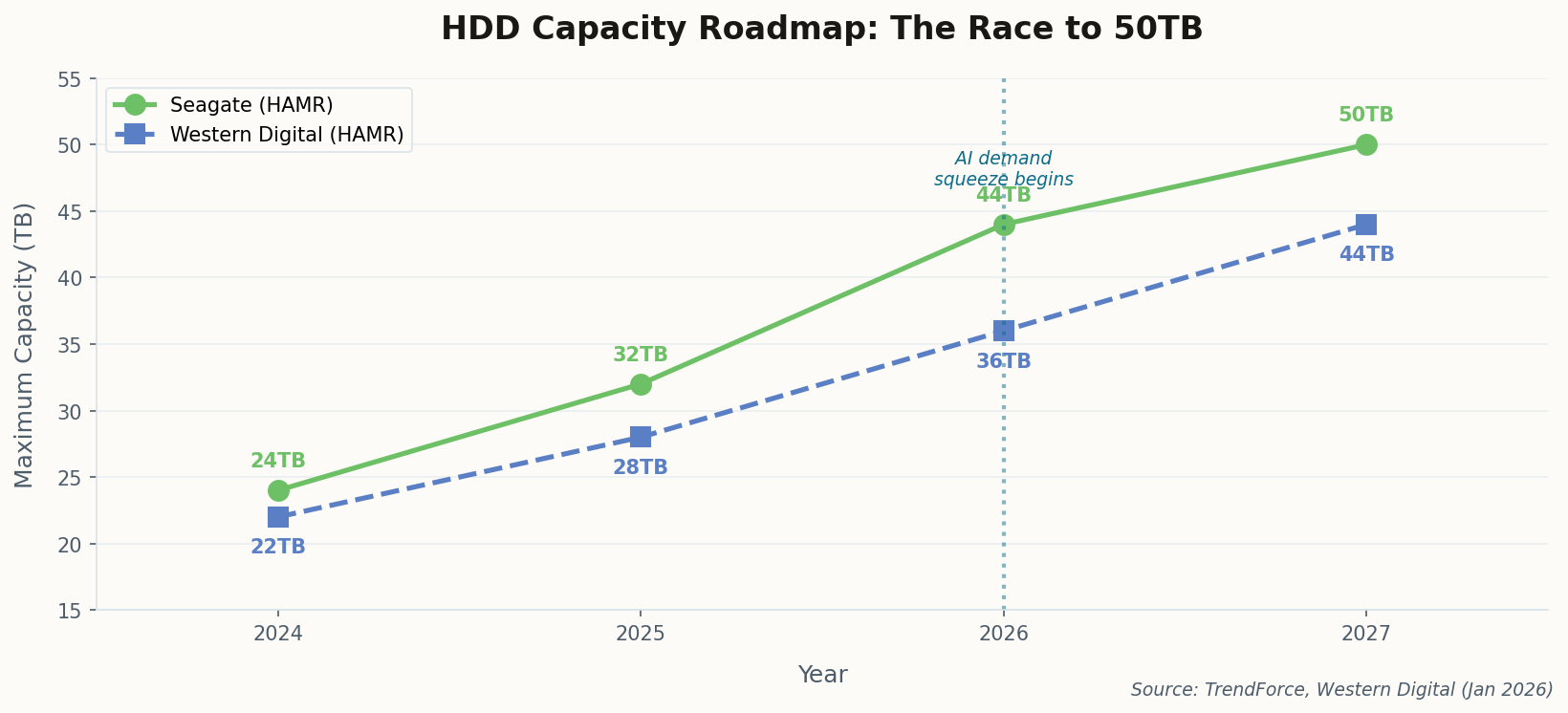
Western Digital confirmed this week that HAMR (Heat-Assisted Magnetic Recording) qualification begins in the first half of 2026, with 36TB and 44TB drives following later this year. Translation: Seagate no longer has a monopoly on the 40TB+ segment.

This matters because monopolies breed complacency and high prices. Seagate's Mozaic 4 drives have been the only game in town for photographers wanting maximum density, and they've priced accordingly. WD's entry should stabilize costs—eventually. But "eventually" might mean late 2027 before we see meaningful price competition at the 44TB tier.

Line chart showing HDD capacity roadmap for Seagate and Western Digital through 2027
Both vendors target 44TB in 2026, but Seagate's HAMR technology is 12-18 months ahead in production maturity.

The "AI storage fever" driving WD's stock surge isn't just hype. Data centers are hoovering up every high-capacity drive they can find to train models on, which means photographers are now competing with hyperscalers for the same inventory. The days of casually ordering drives when you run low may be ending.

03

Synology's Dockhand Makes Self-Hosting Less Painful

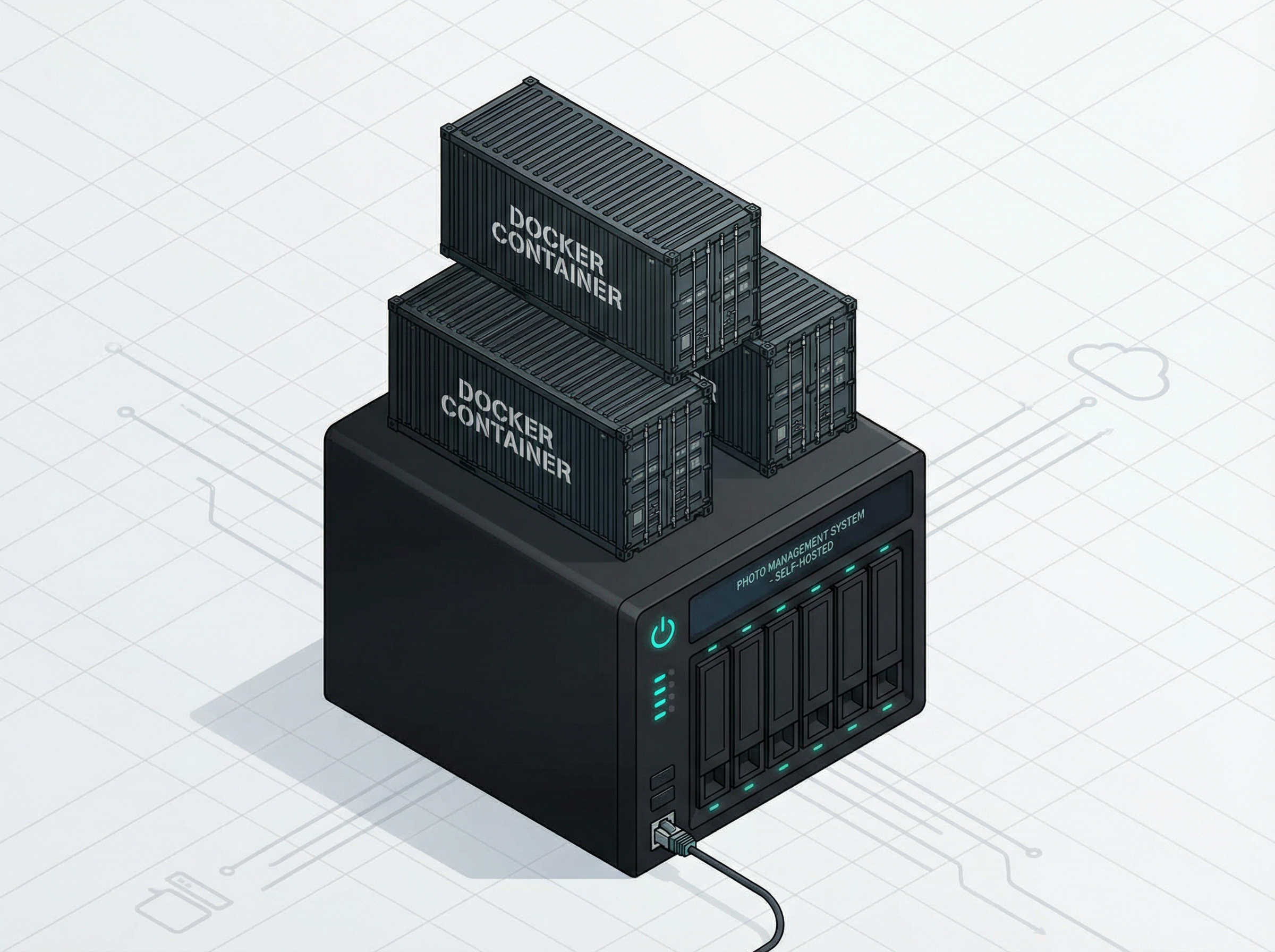
Isometric illustration of Docker containers stacked on a NAS server

Synology quietly released Dockhand this month, a container management tool that replaces the aging Portainer integration. If you've ever wanted to run Immich or PhotoPrism on your NAS but found Docker intimidating, this is the on-ramp you've been waiting for.

The pitch is simple: select from a library of pre-configured containers, click deploy, and let Dockhand handle the networking and persistent storage. No YAML files, no command-line incantations. For a photographer who just wants a private Google Photos replacement, this lowers the barrier from "weekend project" to "afternoon task."

Synology's broader play here is ecosystem lock-in. Once you're running their surveillance cameras (the new BC800Z with on-device AI), their photo management (Synology Photos), and their container infrastructure (Dockhand), switching costs become prohibitive. That's not necessarily bad—vertical integration often means better reliability—but it's worth understanding the trade-off.

04

Seagate's 44TB Drives Are Sold Out Through 2026

Factory production line with holographic SOLD OUT signs above hard drive manufacturing

Here's the headline that should change your buying behavior: Seagate's nearline HDD capacity is fully booked through the end of 2026. The Mozaic 4 drives you were planning to order for your new NAS build? Get in line behind every hyperscaler and AI company on the planet.

TrendForce reports that orders for the first half of 2027 will open within months, which means we're looking at 12-18 month lead times for high-capacity drives. This isn't a blip—it's a structural shift in how storage gets allocated. AI training requires petabytes of fast storage, and those petabytes come from the same factories that would otherwise supply photographers.

The practical takeaway: if you're planning any storage expansion in 2026, buy the drives now. Not next quarter, not when the price drops—now. The price isn't dropping, and availability is only getting worse. Consider stepping down to 20-24TB drives that face less demand pressure, or building out capacity sooner than you'd planned.

05

Immich 2.5: The Google Photos Exit Ramp Gets Smoother

Smartphone displaying photo gallery grid surrounded by a privacy bubble

Immich version 2.5.0 dropped this month with a feature photographers have been requesting for years: "Free Up Space." After confirming your photos have successfully backed up to your server, you can now safely delete local copies from your phone with a single tap. The workflow that Google Photos pioneered—device as capture, cloud as archive—finally works without Google.

The improved foreground upload reliability matters too. Previous versions would occasionally fail silently when uploading large batches of RAW files, leaving photographers with gaps in their backup. The 2.5 release makes uploads more resilient and surfaces errors clearly when they occur.

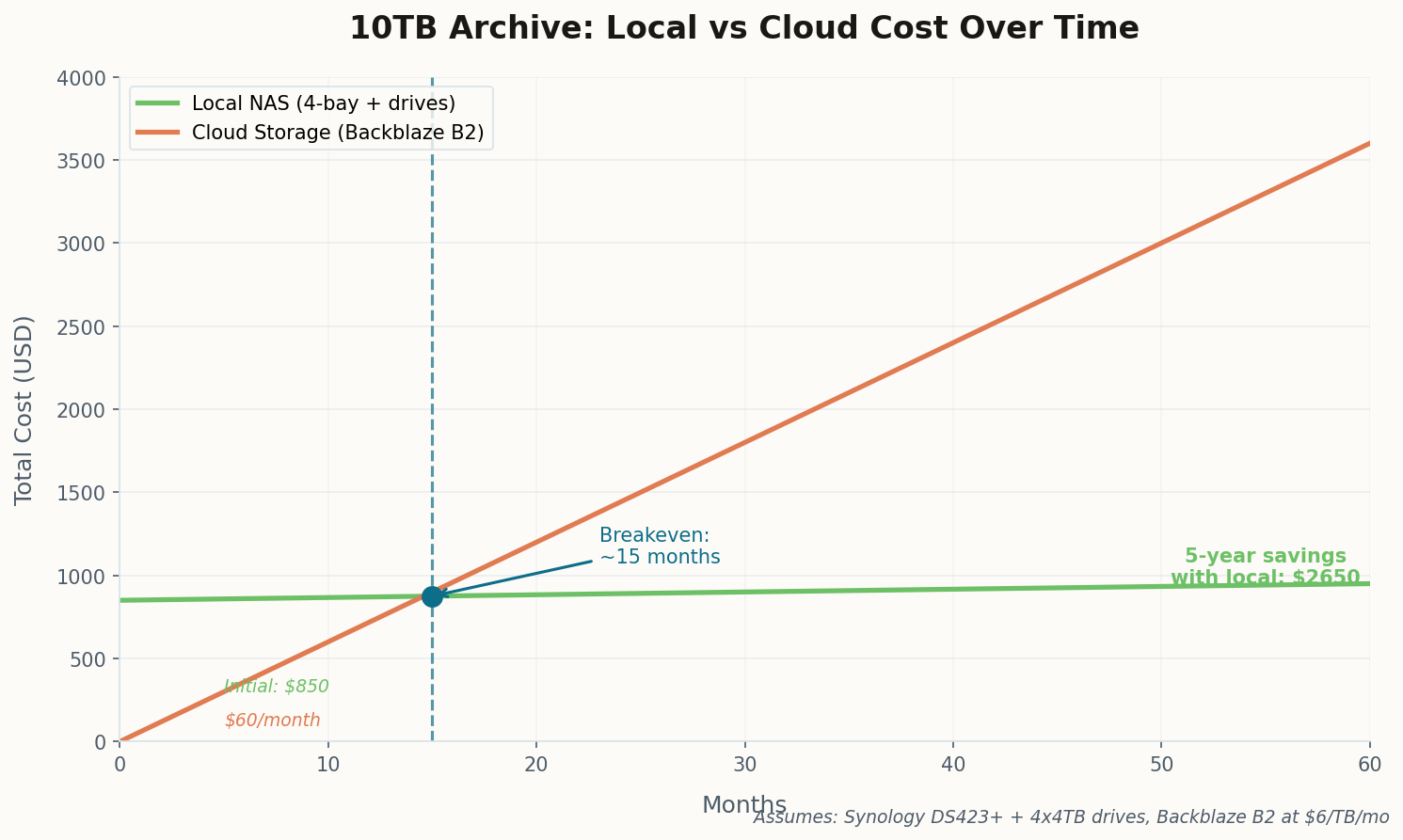
Line chart comparing 5-year total cost of ownership for local NAS vs cloud storage
At 10TB, local storage breaks even with cloud around month 15. After that, every month is savings.

The self-hosted photo manager space has matured remarkably. Between Immich, PhotoPrism, and PhotoStructure, photographers have real alternatives to cloud services that don't require a computer science degree to operate. The cost math is compelling: after the ~15-month breakeven point, you're paying only for electricity while keeping complete control over your archive.

06

SuperDuper! 3.11 Finally Understands APFS Snapshots

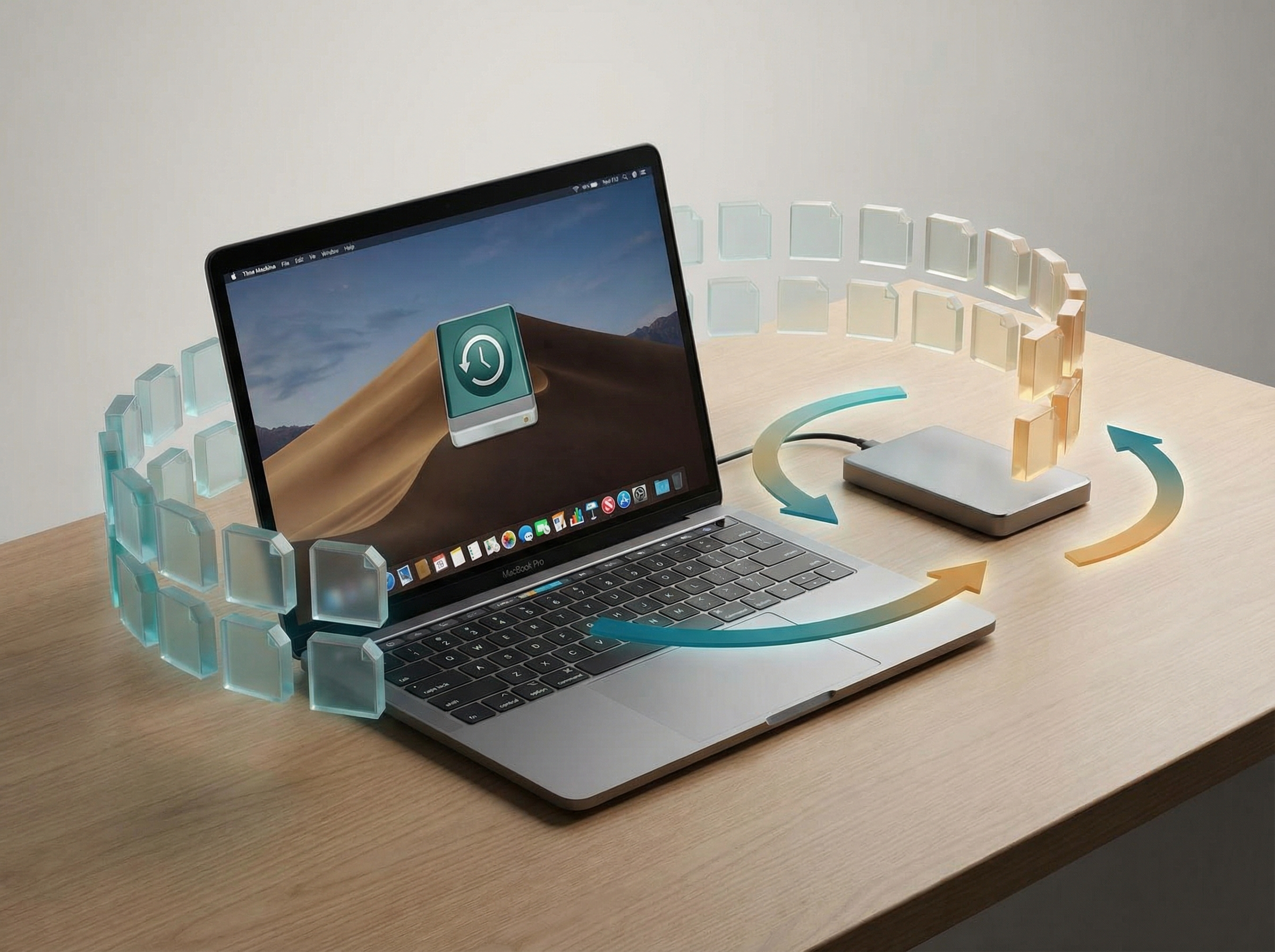
MacBook with APFS file system blocks floating around an external backup drive

Mac-based photographers relying on SuperDuper! for bootable clones got a significant update this month. Version 3.11 adds native support for creating and copying from APFS snapshots, which means you can now maintain point-in-time recovery for your Lightroom catalogs and photo libraries without third-party snapshot tools.

The "Smart Delete" feature addresses a chronic pain point: backup drives that fill up mid-job. Instead of failing catastrophically, SuperDuper! now intelligently removes older versions to make room for new data. For photographers with backup targets perpetually hovering at 95% capacity, this is the difference between a successful backup and a 3am error notification.

The macOS Sequoia compatibility update was overdue—some users reported issues with the previous version on Apple Silicon Macs running Sequoia since its fall release. If you've been holding off on the OS upgrade because of backup concerns, the path is now clear.

07

QNAP's Security Advisories: Patch Your QuMagie Now

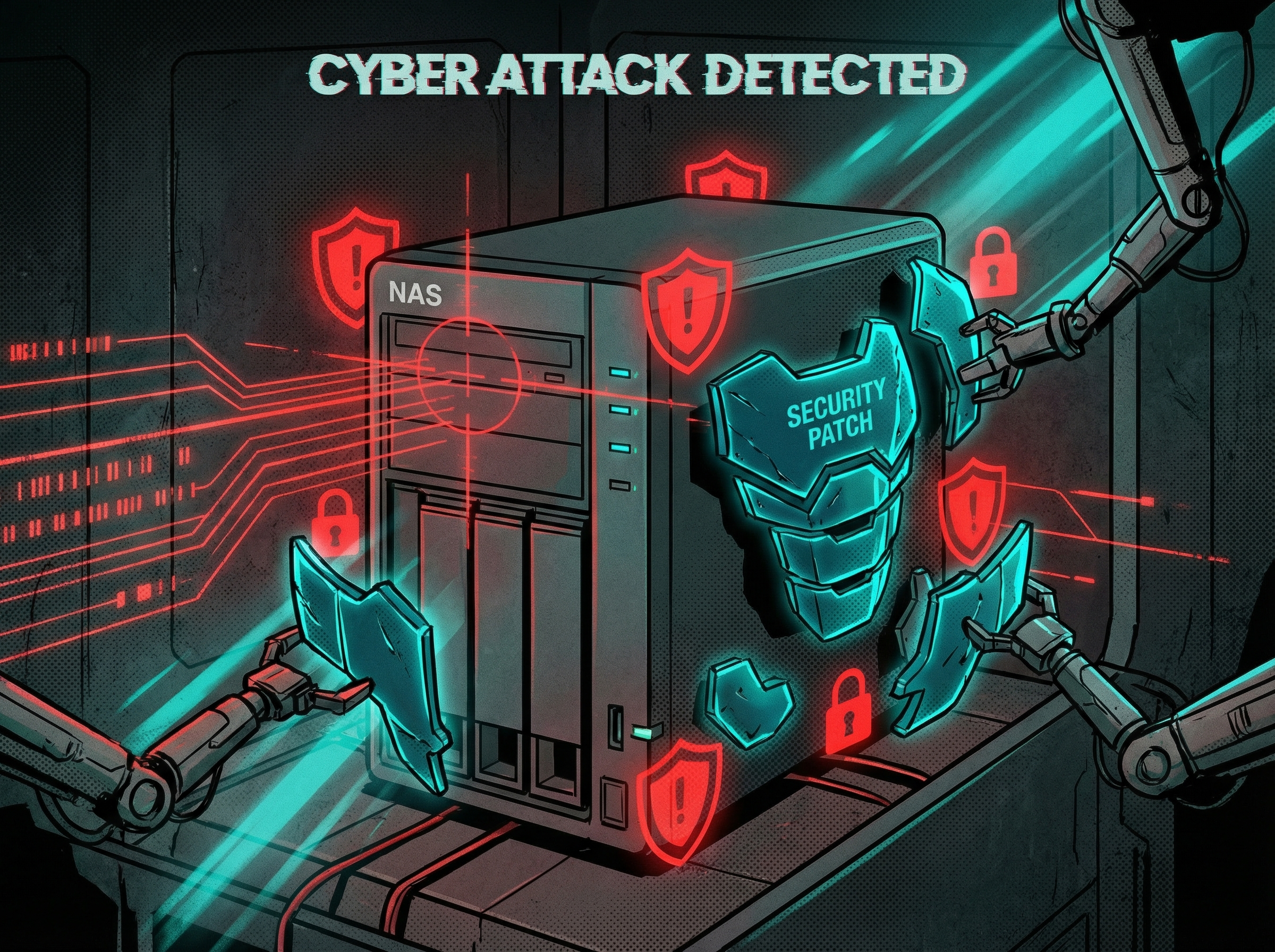
NAS server under digital attack with security patches being applied as armor

QNAP started the year with a batch of security advisories affecting QTS, QuTS hero, and critically, QuMagie—their photo management application. If you've exposed QuMagie to the web for client photo sharing (as many wedding and event photographers do), you need to patch immediately.

The vulnerabilities include potential unauthorized access through Qfiling and Qfinder Pro, both central to common photo ingestion workflows. QNAP released patches within days of disclosure, but the window between vulnerability discovery and widespread patching is when attackers strike hardest.

Action required: Log into your QNAP admin panel, navigate to Control Panel → System → Firmware Update, and install all available updates. Then review your exposed services under Network & File Services and disable anything you're not actively using.

This is a recurring pattern with QNAP specifically—they've had more security incidents than Synology over the past few years. If security is a primary concern (and with 10TB+ of irreplaceable photos, it should be), factor this track record into your next NAS purchase decision.

The Archive Imperative

A decade's worth of photography—weddings, portraits, commercial work, personal memories—represents thousands of hours of creative labor. The storage industry's current turbulence means the cost of protecting that work is changing. Whether you go local or cloud, the best time to solve your 10TB+ storage problem was yesterday. The second best time is now.