
Vibe Coding Tools

Your AI Coworker Got Promoted

January 2026 was the month AI coding assistants stopped being "assistants" and started managing their own teams. Here's what you missed while you were prompting.

Listen
Futuristic developer workspace with AI agents working in parallel, holographic code floating in air with electric cyan accents
Abstract enterprise software architecture with interconnected nodes and glowing data flows
01

Windsurf Brings "Flow State" to Enterprise IDEs

The VS Code fork wars just got interesting. Codeium's Windsurf IDE released Cascade 2.0 with full JetBrains integration, meaning IntelliJ and PyCharm users finally get access to vibe coding without abandoning their muscle memory.

The key feature is "Supercomplete"—multi-file reasoning that lets the AI understand dependencies across a monorepo without you opening every file first. Combined with native Model Context Protocol (MCP) support, developers can toggle external data sources and tools on a per-project basis. Your enterprise monorepo that talks to three internal APIs and a legacy database? Windsurf now groks the whole thing.

This is a calculated land-grab for professional developers who can't easily switch to a VS Code fork like Cursor. If you're at a company where "the IDE is the IDE" because of institutional inertia, Windsurf just became the stealth option that doesn't require IT approval for a new application.
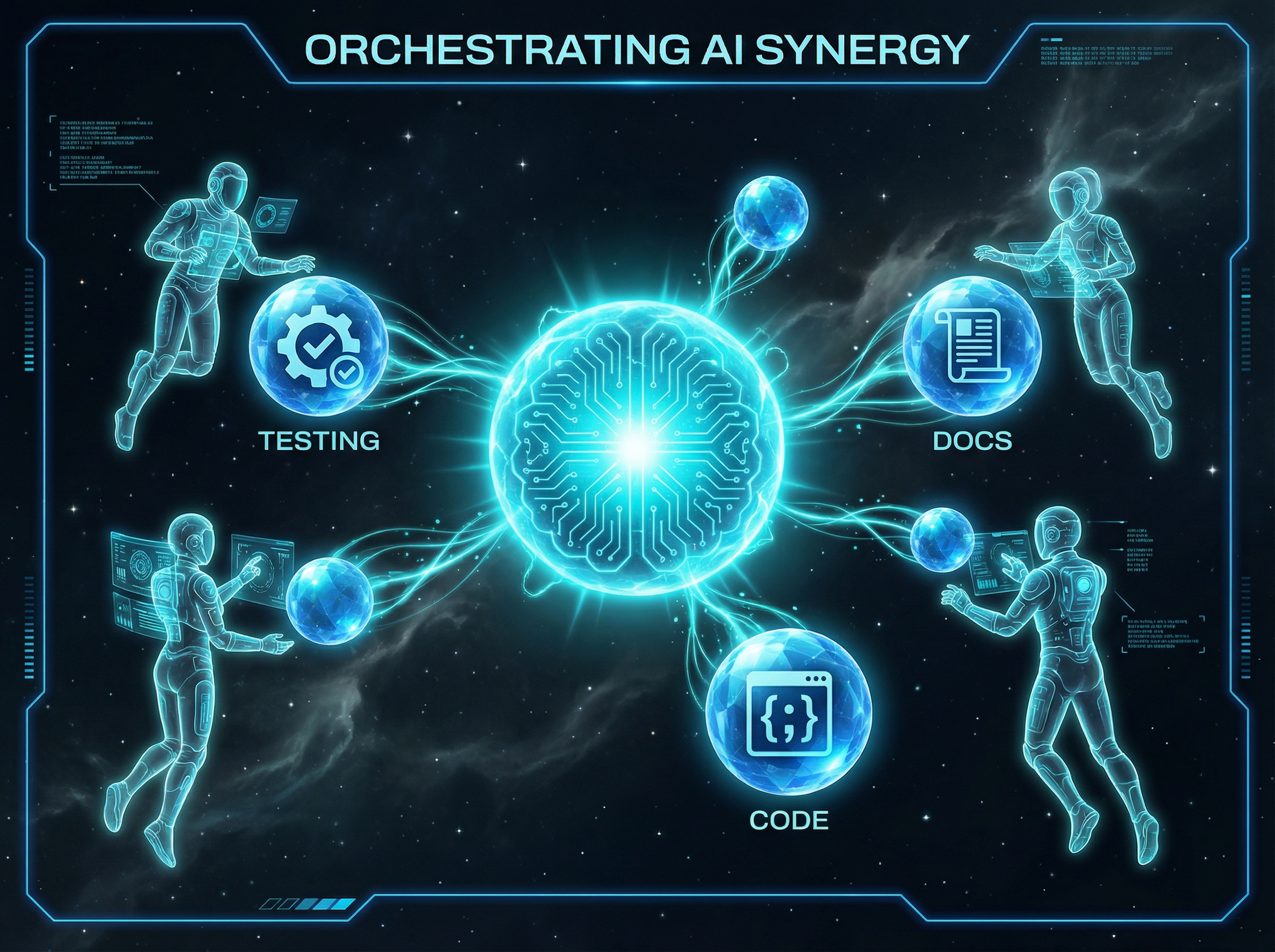
Central AI orb spawning smaller specialized agent orbs in a constellation pattern
02

Cursor's Subagents Turn One Developer Into a Team

Forget "pair programming with AI." Cursor now lets you manage a whole team of specialized agents that run in parallel with their own context windows. One agent writes your feature. Another runs the tests. A third updates the documentation. They coordinate without you playing project manager.

The architecture uses "Agent Skills"—domain-specific workflows you define in a SKILL.md file that agents can learn from. This sounds trivially simple until you realize it's the missing piece: persistent, transferable context that doesn't require re-explaining your codebase conventions every session. The agent that writes your auth code actually knows your auth patterns.

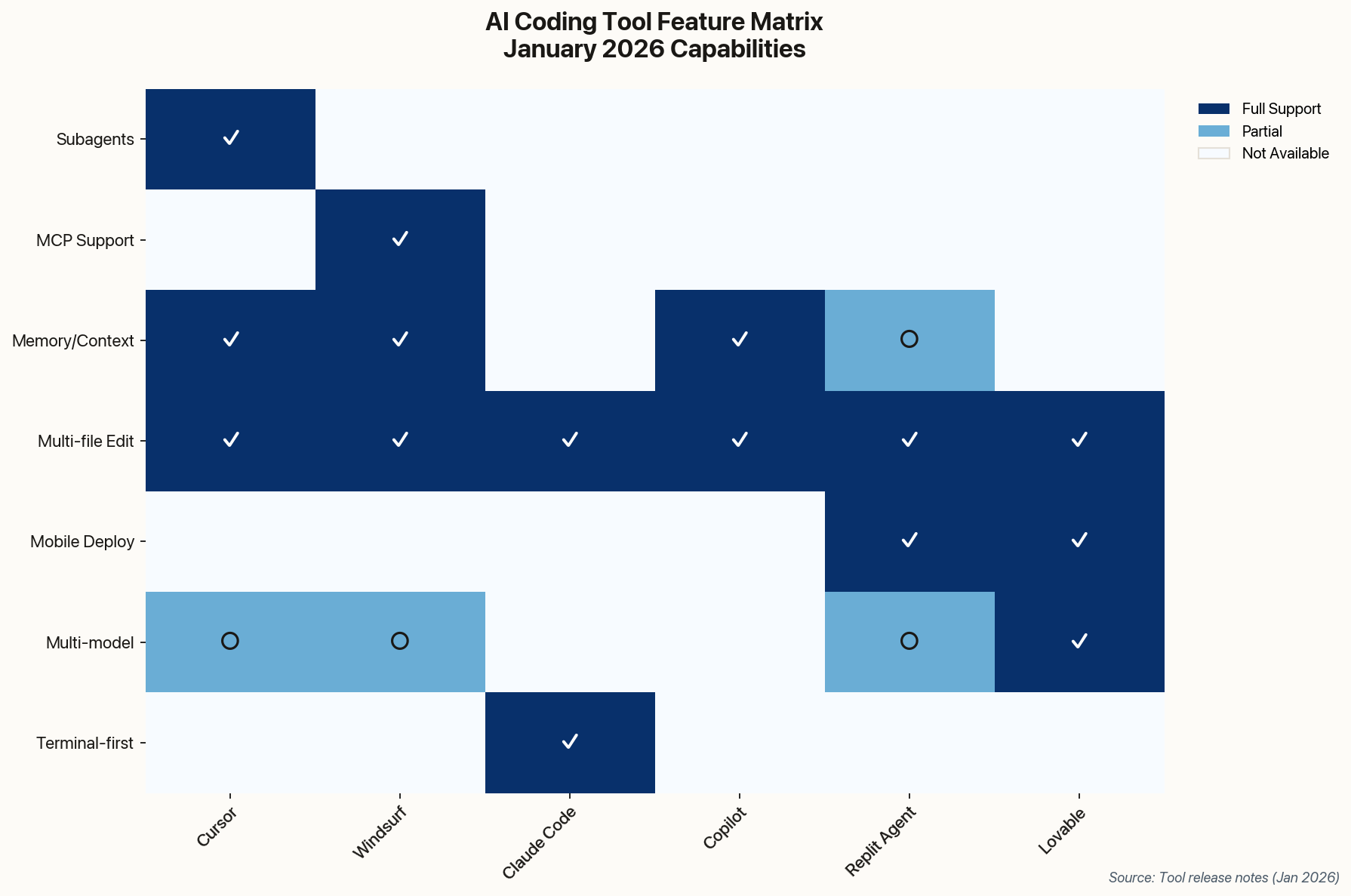
Feature comparison matrix showing capabilities of major AI coding tools
AI coding tools compared by January 2026 feature announcements. Cursor leads in multi-agent coordination; Windsurf in enterprise context; Claude Code in terminal autonomy.

They also added native image generation—UI assets from text descriptions, directly in the editor. This feels like a gimmick until you need a placeholder illustration at 11pm and don't want to context-switch to Figma. The implications are larger: Cursor is positioning itself not as a code editor, but as a full-stack development environment where the AI handles tasks across the entire creative pipeline.

Retro-futuristic terminal with glowing code and AI presence
03

Anthropic Enters the Ring with Claude Code

Model labs building developer tools is either vertical integration or vendor lock-in, depending on your cynicism. Anthropic officially launched Claude Code, an agentic CLI tool powered by Claude Opus 4.5 that lives in your terminal and manages Git workflows autonomously.

The terminal-first approach is deliberate. While Cursor and Windsurf fight over IDE real estate, Claude Code bets that serious developers already live in their shell. It reads your codebase, edits multiple files, runs tests, and commits changes—without a GUI in sight. Think of it as an autonomous coworker who only speaks through pull requests.

Buried lede: Microsoft's "Experiences + Devices" division has been internally piloting Claude Code alongside GitHub Copilot. When even Microsoft hedges its bets on the competition, something's shifting.

They also launched "Cowork," a desktop app built by Claude Code for non-developers to organize files and draft reports. It's a proof-of-concept that the same agentic tech can work outside the IDE. Whether that's a distraction or a preview of Anthropic's consumer ambitions remains to be seen.

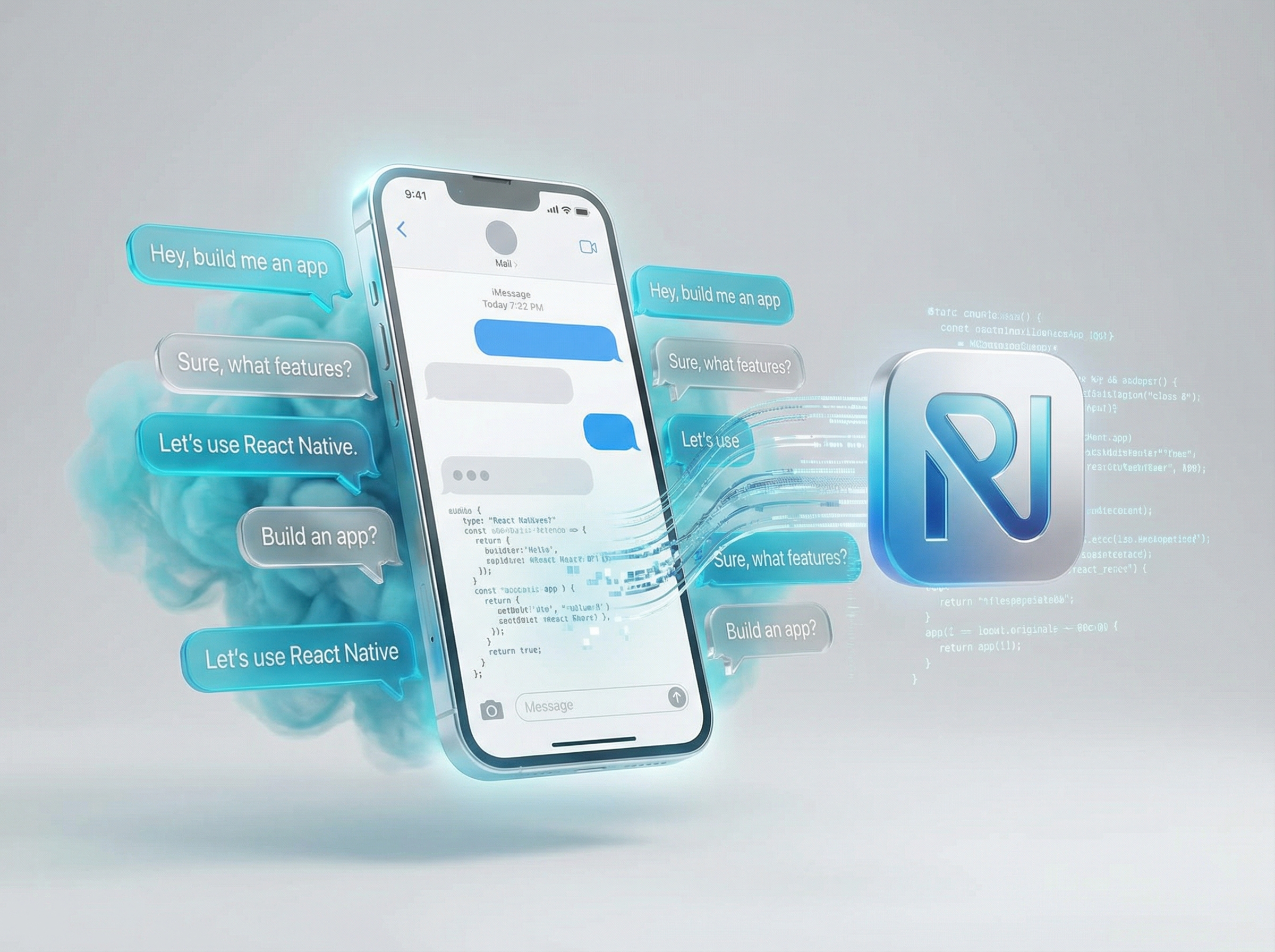
Smartphone emerging from natural language bubbles with app interface materializing
04

Replit Agent Ships iOS Apps from Prompts

Vibe coding worked for web apps because the deployment story was always simple: push to Vercel. Mobile was another story—provisioning profiles, code signing, App Store review, the whole gauntlet. Replit just made it trivial.

Their new mobile capability lets you build and publish native iOS applications purely through natural language prompts. Replit Agent 2.0 handles the full React Native boilerplate, database connections, and even App Store submission prep. "Decision-time guidance" provides intelligent feedback during execution, helping the agent self-correct before it burns through your patience.

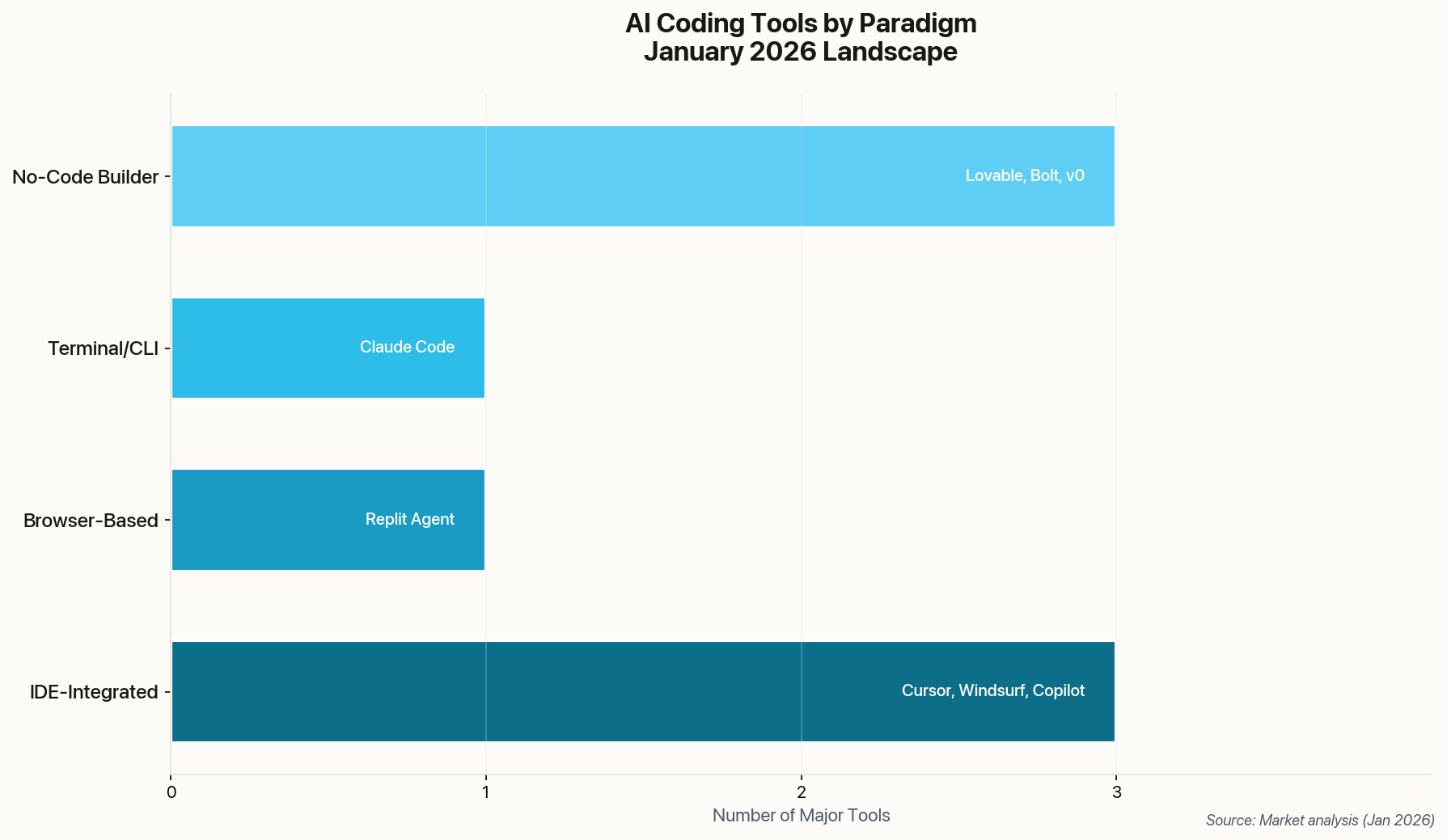
Bar chart showing AI coding tools by paradigm category
The vibe coding landscape by paradigm. IDE-integrated tools dominate, but browser-based and no-code builders are closing the gap on capability.

This breaks the "web-only" barrier that kept vibe coding as a prototyping curiosity. If natural language prompts can successfully navigate the notoriously difficult mobile build/deploy ecosystem, what's left that requires manual configuration? The answer is shrinking every month.

Filing cabinet with glowing memory crystals containing code snippets
05

GitHub Copilot Finally Remembers Your Preferences

The biggest complaint about AI coding assistants isn't accuracy—it's amnesia. Every session you re-explain your coding conventions, your architectural patterns, your lint rules. GitHub Copilot finally addressed this with "Memories."

The feature is elegantly simple: store project preferences, architectural rules, and coding conventions in a copilot-instructions.md file. The agent reads it automatically for every interaction. No more "please use tabs instead of spaces" on repeat. No more watching Copilot suggest a pattern you explicitly banned three prompts ago.

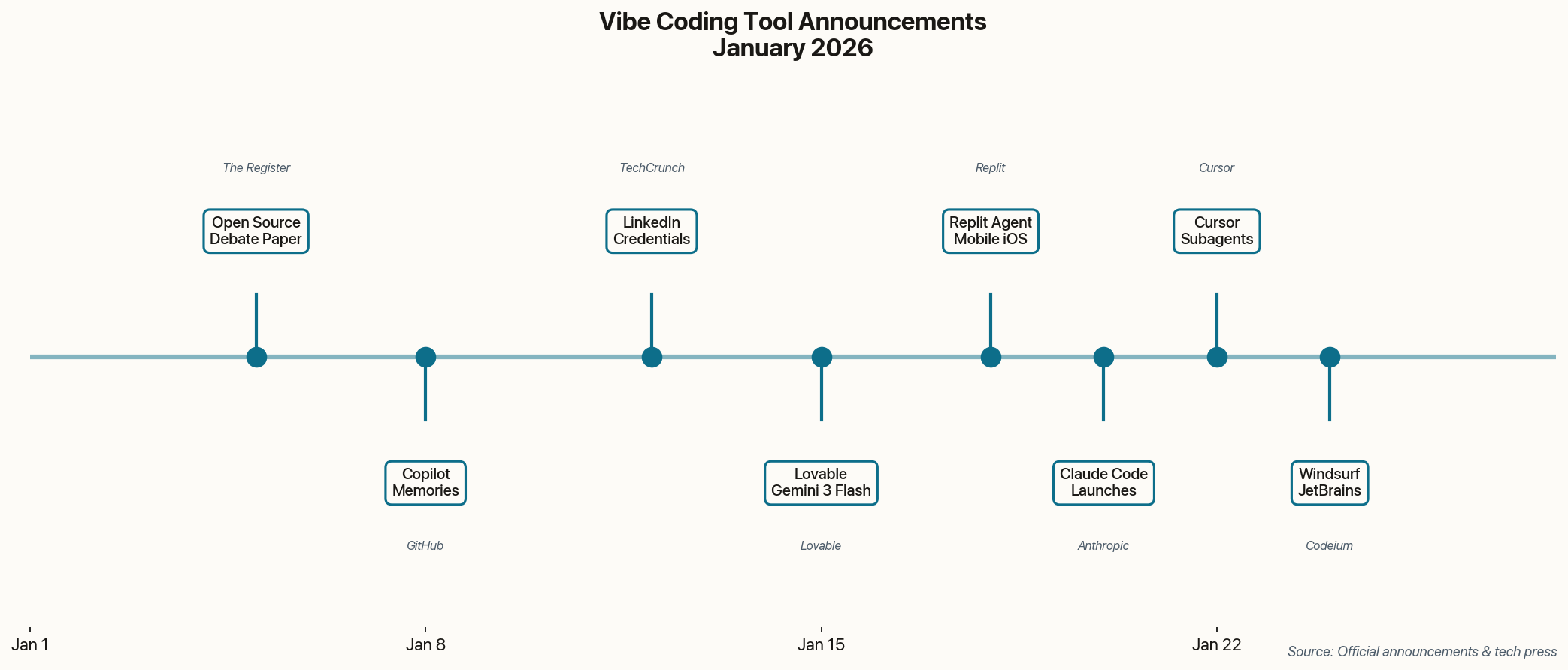
Timeline of vibe coding announcements throughout January 2026
The velocity of vibe coding announcements in January 2026. Eight major releases in 20 days suggests the competitive pressure is ratcheting up.

They also added Copilot Studio directly inside VS Code, letting teams build custom copilots. This is GitHub betting that the winner won't be the best generic AI—it'll be the one teams can customize most deeply. Whether that customization becomes a competitive moat or a maintenance burden depends on how seriously engineering orgs take the configuration.

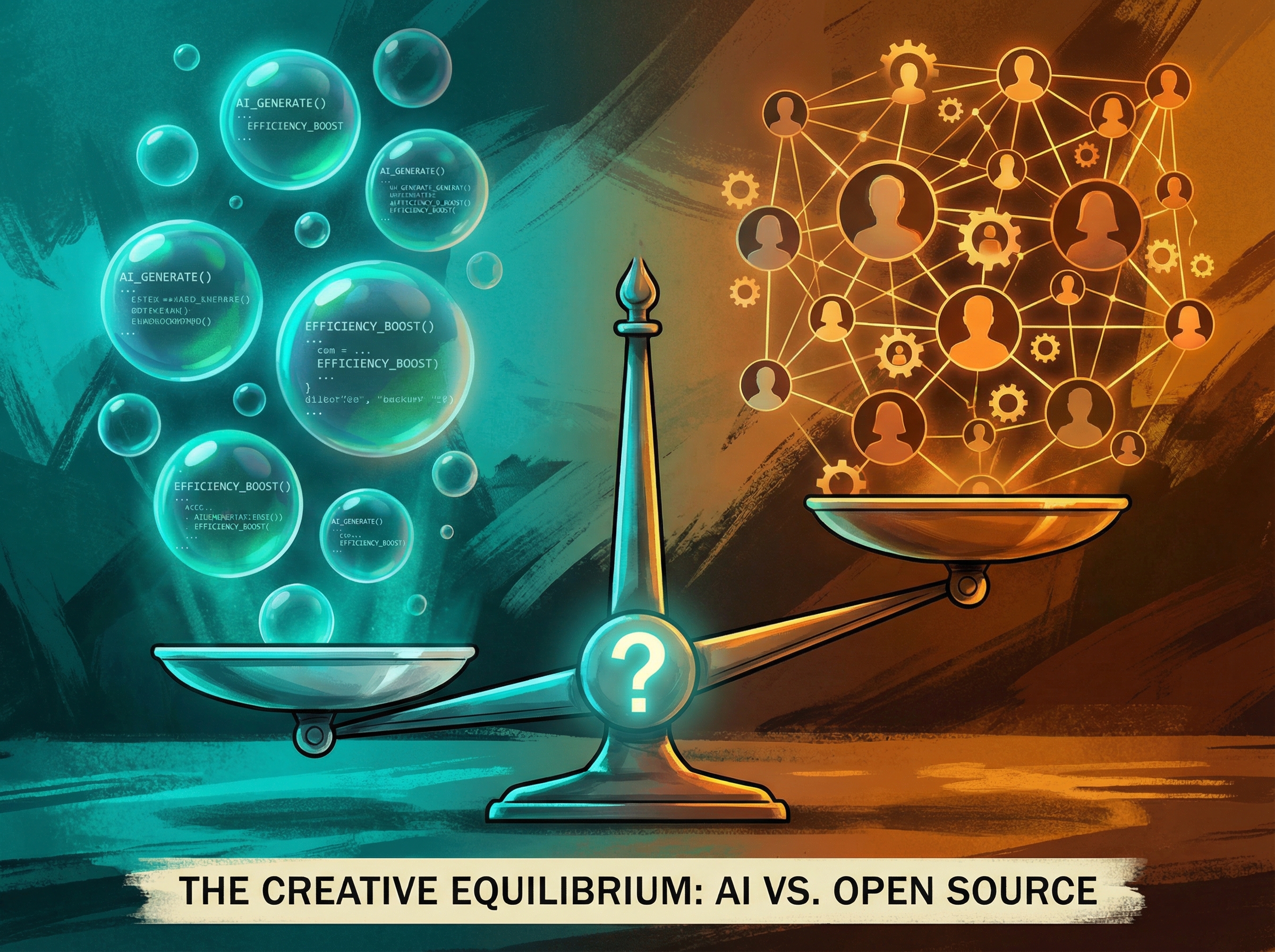
Balance scale with AI code bubbles on one side and human community silhouettes on the other
06

The "Vibe Coding Kills Open Source" Controversy

A widely-discussed research paper dropped in early January arguing that vibe coding "weakens user engagement" with open source libraries. The thesis: because AI abstracts away library code, developers stop reading documentation or contributing fixes. Open source packages become "black box" magic.

The concern isn't trivial. If vibe coders treat dependencies as opaque inputs, the pipeline of new contributors dries up. Maintainer communities hollow out. The code keeps running, but no one understands it well enough to fix the next vulnerability. "Greater adoption of vibe coding reduces the availability and quality of open-source software," the authors warn.

The counter-argument writes itself: abstractions have always been the point. No one debugs the TCP stack when their API call fails. But there's a difference between trusting a stable abstraction and trusting a model's interpretation of a library you've never examined. The paper sparked the month's biggest philosophical debate: are vibe coders parasitic consumers of open source, or just efficient users? The answer probably depends on what happens to bug reports per capita over the next two years.

The Assistants Became Managers

January's theme was clear: AI coding tools graduated from autocomplete to autonomous agents managing their own subtasks. The question isn't whether to use them—it's how much autonomy you're comfortable delegating. The developers who thrive will be the ones who learn to specify intent precisely and review output critically. Everything else is context for the machine.