Natural Light Portraiture

The Imperfection Imperative

In 2026, the most coveted look in portrait photography isn't flawless—it's beautifully, intentionally flawed. Here's how natural light shooters are leading the rebellion against AI-perfected aesthetics.

Listen
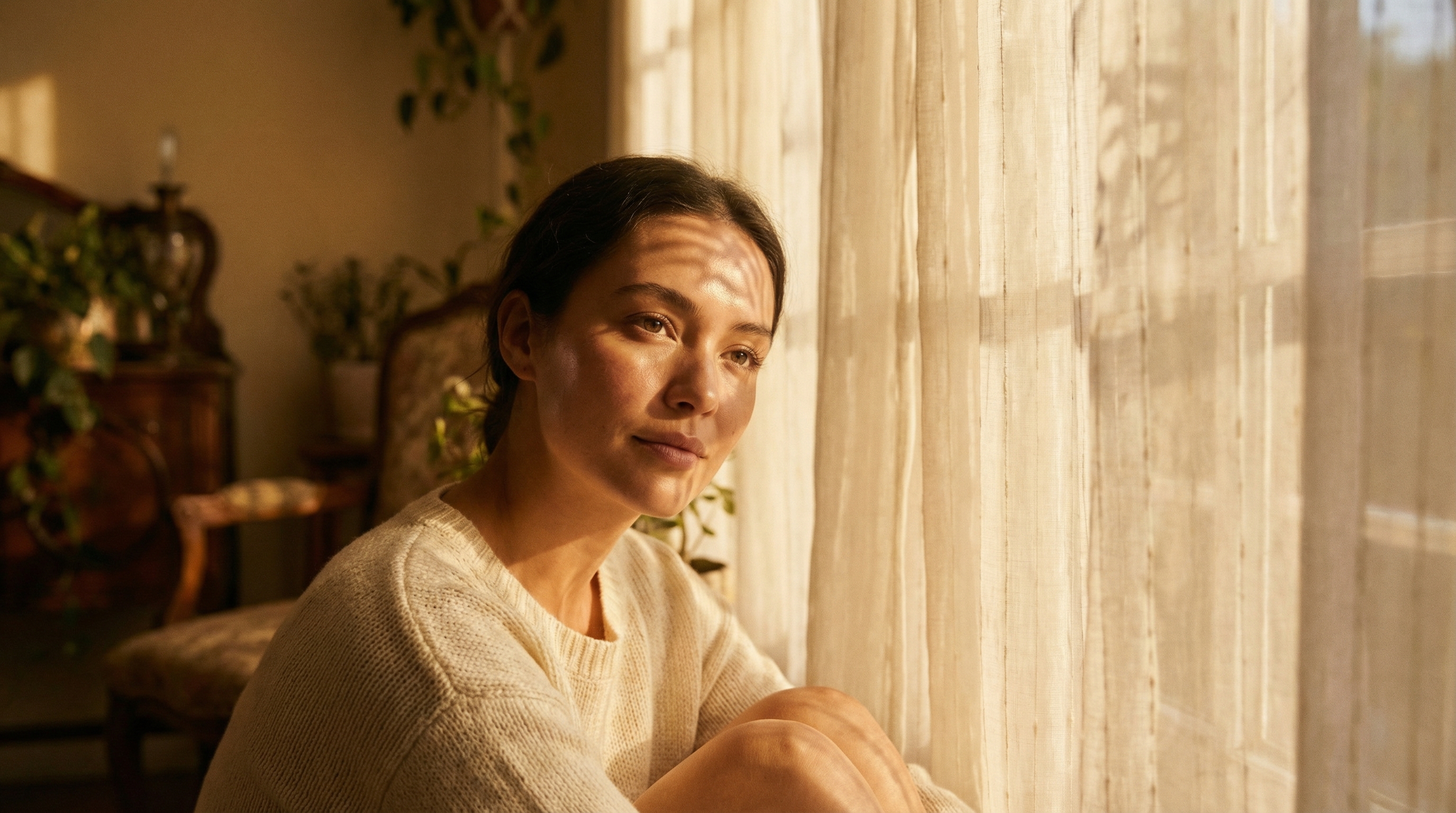
Woman bathed in soft natural window light with warm golden tones
01

AirBrush Brings AI Relighting to the Desktop—But Should You Use It?
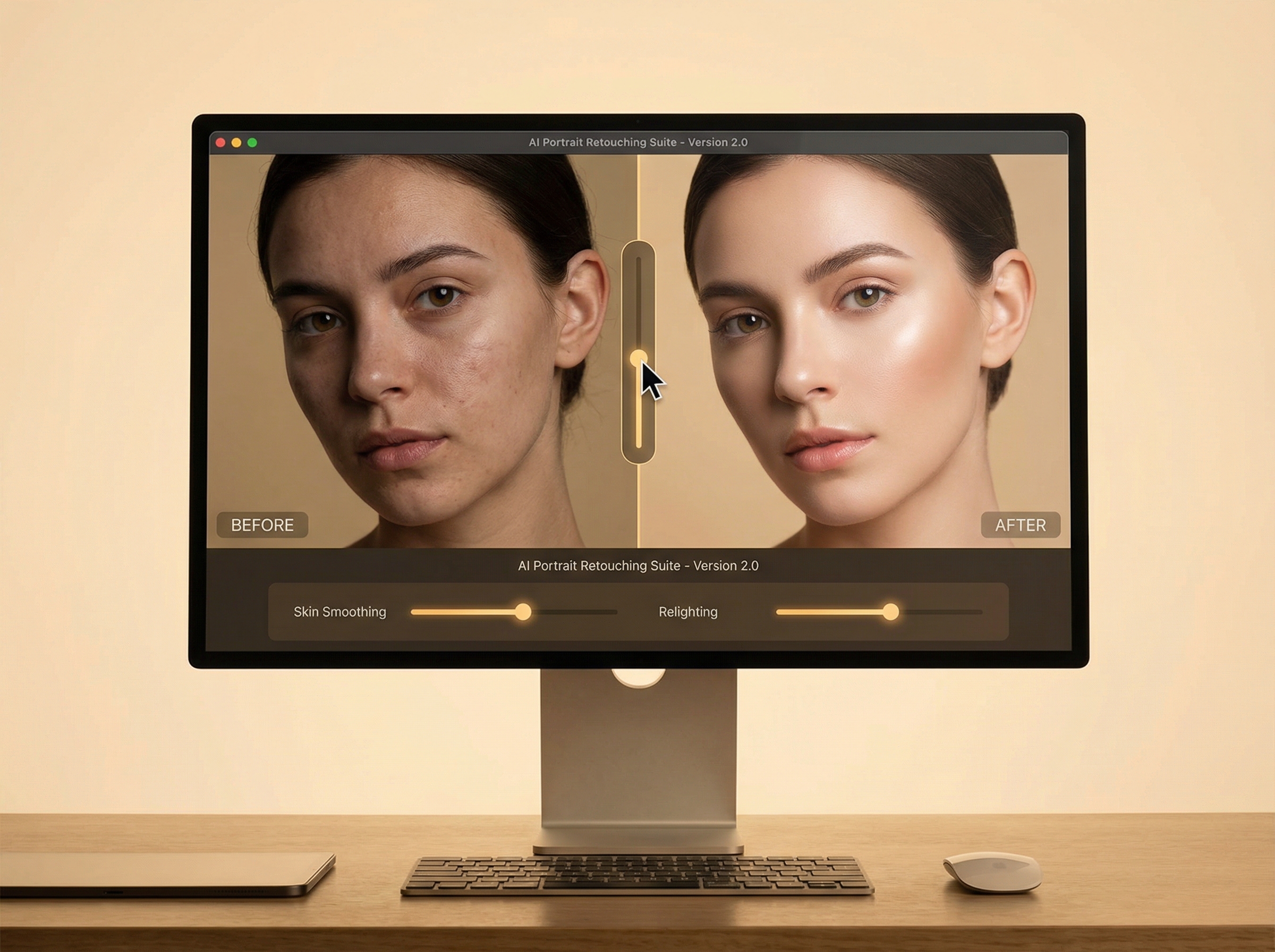
AI retouching software interface showing before and after portrait comparison

The mobile app that made "one-tap beautification" a household term just landed on macOS and Windows. AirBrush Studio brings desktop-grade processing to what started as an Instagram filter factory—and its new "Relight" feature is specifically designed to mimic natural window light on portraits shot in less-than-ideal conditions.

Here's the tension: the tool is genuinely impressive. The AI can analyze a flat, on-camera-flash portrait and rebuild it with convincing directional shadows that would fool most viewers into thinking you had a north-facing bay window. The "Skin Tone Unification" feature handles mixed lighting—that horrible green-cast-from-one-window, warm-cast-from-another situation—with a single slider.

But there's a philosophical question natural light purists need to ask: if the point of shooting natural light is the authenticity of real conditions, does post-hoc simulation defeat the purpose? I'd argue there's a meaningful difference between enhancing what exists and fabricating what doesn't. The tool is powerful. Use it to recover shots. Don't use it to pretend you had light you didn't.

The bottom line: AirBrush Studio is now a serious competitor to Lightroom for high-volume portrait work. The "Open Eyes" blink-fix alone will save wedding photographers hours. But if you're shooting natural light for the craft, keep the AI tools as insurance, not intent.
02

The Harsh Light Rebellion: Why Gen Z Wants Your Shadows Hard

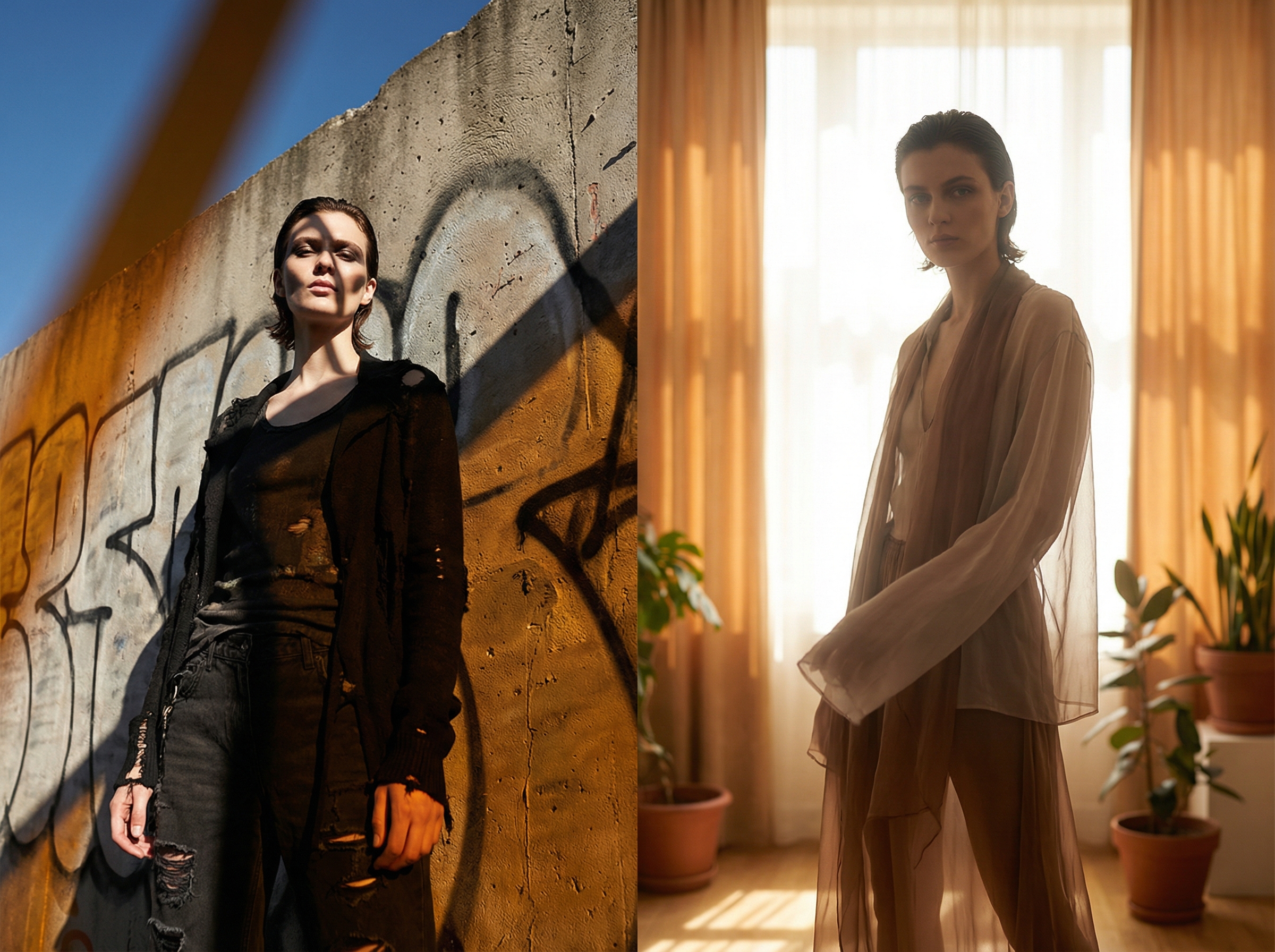
Dramatic portrait showing contrast between harsh sunlight shadows and soft diffused light

For twenty years, portrait photographers have been taught one gospel truth: avoid harsh light. Open shade is your friend. Golden hour is mandatory. Midday sun is the enemy. This week, the internet decided that's all wrong.

A wave of YouTube videos and TikTok tutorials are explicitly rejecting the "soft, dreamy" natural light aesthetic that dominated portrait work since the film-to-digital transition. The argument is cultural as much as technical: if AI can generate infinitely smooth, perfectly lit faces, then imperfection becomes the mark of authenticity. Hard shadows prove a human was there, standing in real light, making real choices.

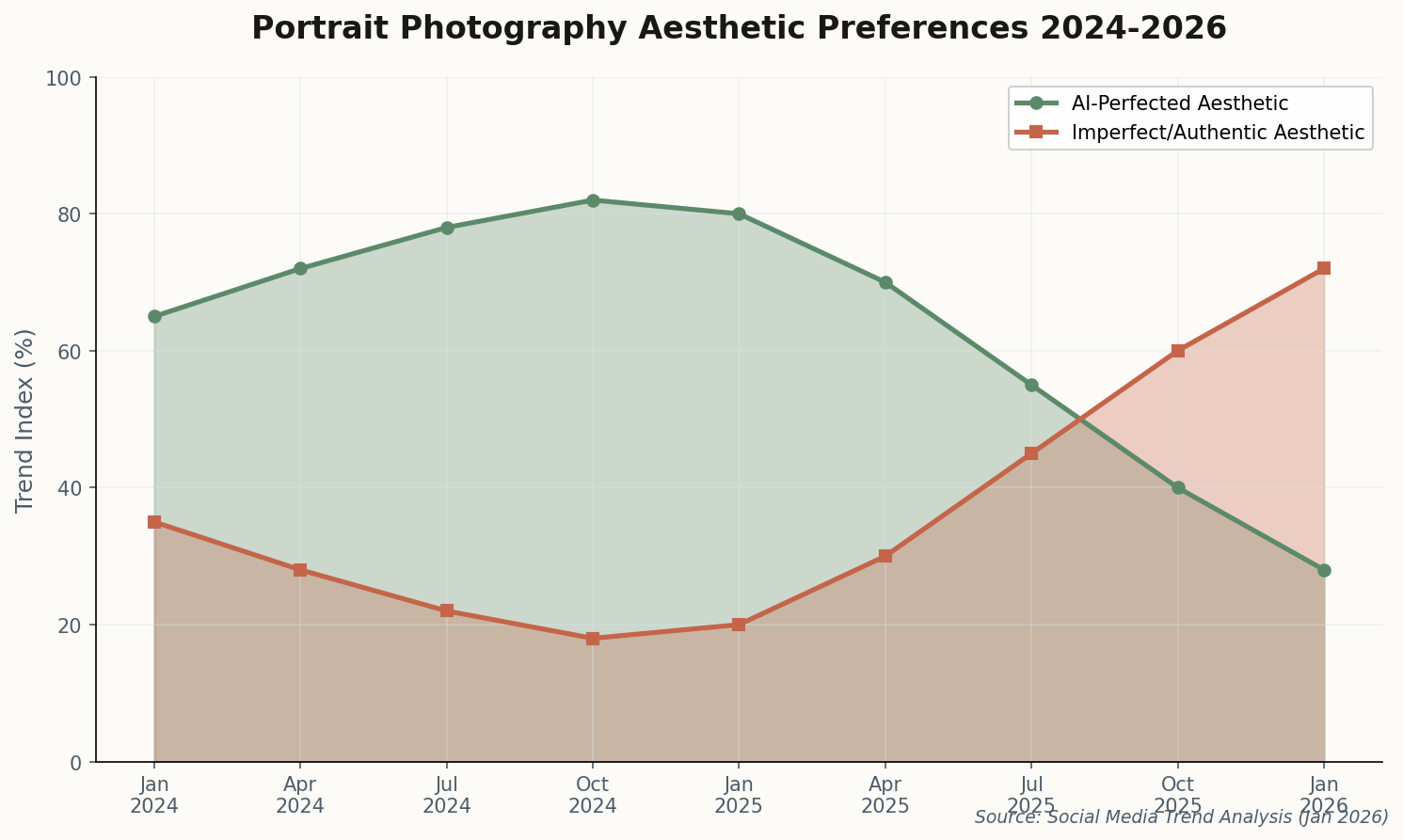
Chart showing decline of AI-perfected aesthetic and rise of imperfect authentic aesthetic from 2024-2026
The aesthetic pendulum: AI-perfected portraits peaked in late 2024. By January 2026, "imperfect authentic" has become the dominant trend on social platforms.

This doesn't mean abandoning natural light—it means redefining what "good" natural light looks like. Instead of seeking open shade, photographers are hunting for shafts of direct sunlight. Instead of diffusion, they want contrast. The technical challenge shifts from "make it soft" to "make the harshness intentional."

Watch for this to reshape the 85mm portrait lens market. Hard light demands sharp optics; the dreamy glow of vintage glass suddenly looks like a liability when your aesthetic calls for razor shadows.

03

$499 Gets You f/0.95-Equivalent Bokeh on Medium Format

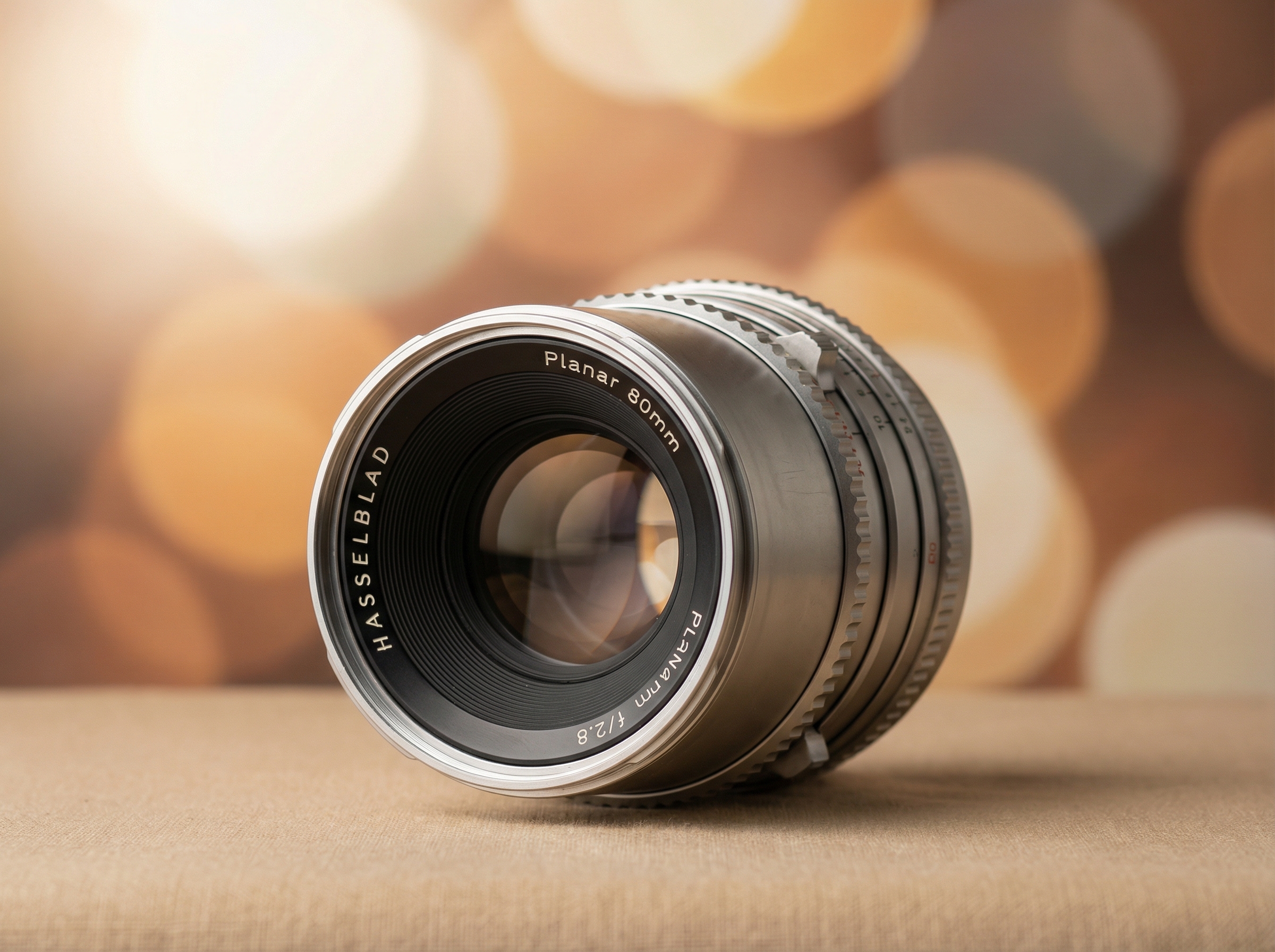
Medium format camera lens with extremely shallow depth of field bokeh demonstration

The math on medium format depth of field has always been seductive: a larger sensor means thinner focus planes at equivalent apertures. But the lenses have been prohibitively expensive—Fujifilm GFX glass regularly crosses the $2,000 mark, and Hasselblad XCD lenses are priced for studio accountants.

SG-image, a Chinese lens manufacturer, just changed that calculus. Their new 75mm f/1.2 for GFX and XCD mounts costs $499. On a medium format sensor, f/1.2 produces roughly the same depth of field as f/0.95 on full-frame—which is to say, essentially nothing is in focus except exactly what you want.

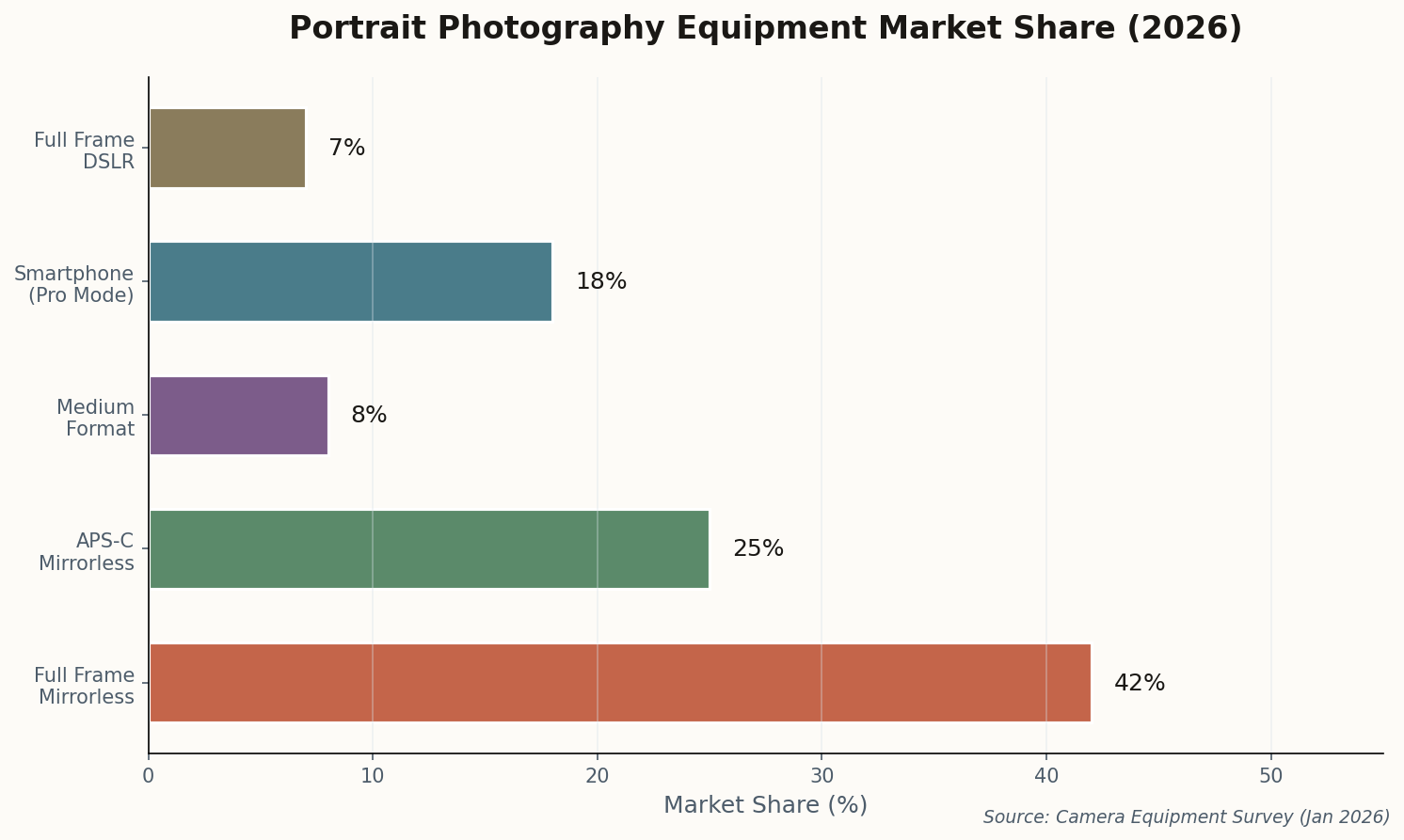
Horizontal bar chart showing camera format market share for portrait photography in 2026
Full-frame mirrorless dominates portrait work at 42%, but medium format is gaining ground as budget optics arrive.

For natural light portrait shooters, this matters enormously. Shallow depth of field is one of the primary tools for separating subjects from messy backgrounds—and natural light environments are often messy by definition. You don't control what's behind your subject in a window-lit room. The ability to dissolve that background into creamy abstraction for under $500 is a genuine market shift.

The lens is manual focus only, which will frustrate some users. But for deliberate portrait work—especially the "imperfect authentic" aesthetic that's trending—manual focus feels like a feature, not a limitation. You're forced to slow down and be intentional.

04

What Annie Leibovitz Taught Us About Window Light (Still)

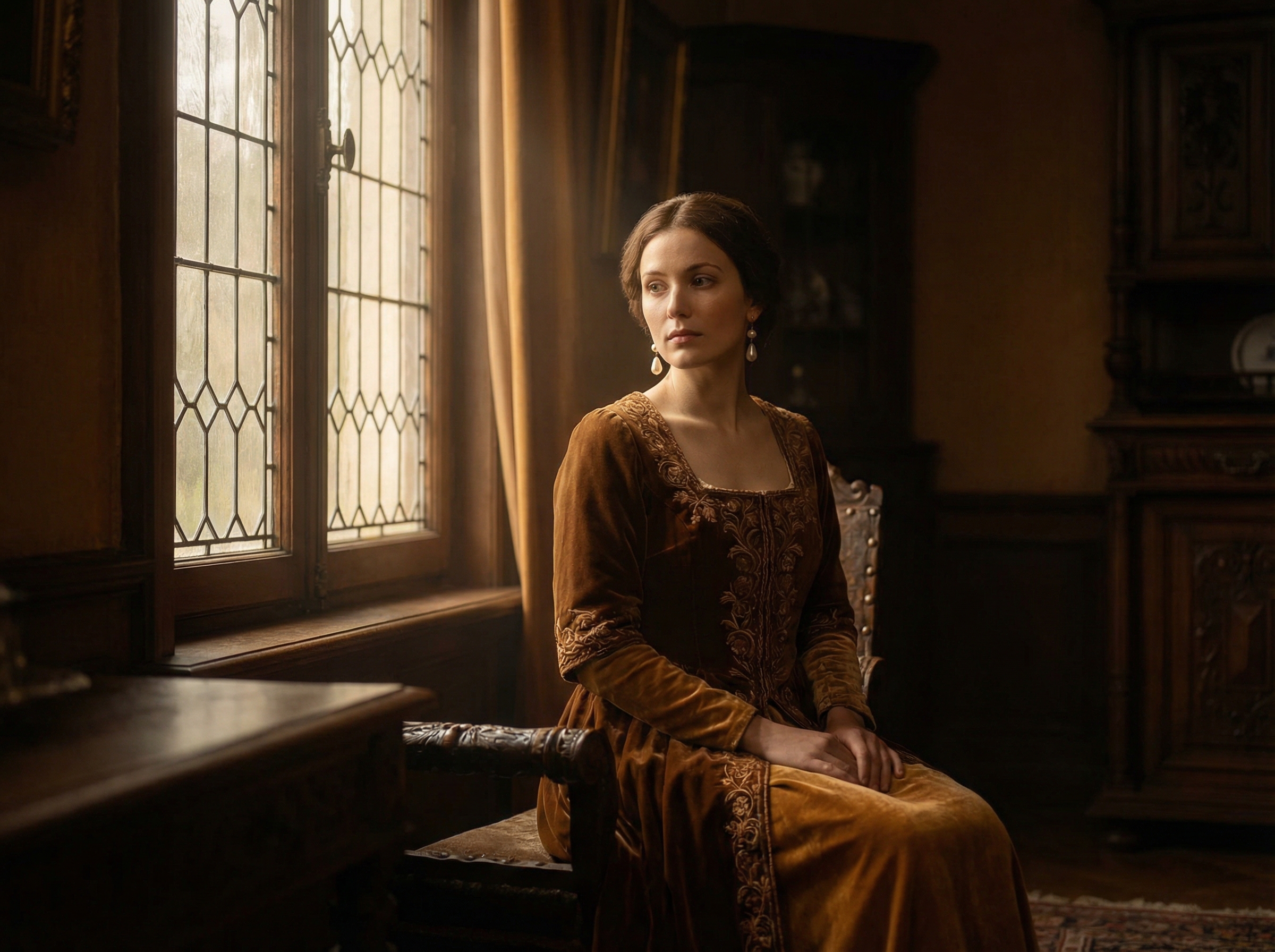
Elegant woman in painterly window light reminiscent of Vermeer old master paintings

A new deep-dive feature from Digital Camera World breaks down Annie Leibovitz's legendary 2007 British royal family portrait—and the technical analysis is a masterclass in why natural light still matters in an age of controlled studio setups.

The key insight: Leibovitz drew explicit inspiration from 17th-century Dutch painters. She used the palace's large windows not as fill light, but as a single directional source, letting the room's existing bounce serve as shadow fill. The result had the dimensional quality of a Vermeer—which isn't coincidence; Vermeer was doing the same thing 350 years earlier.

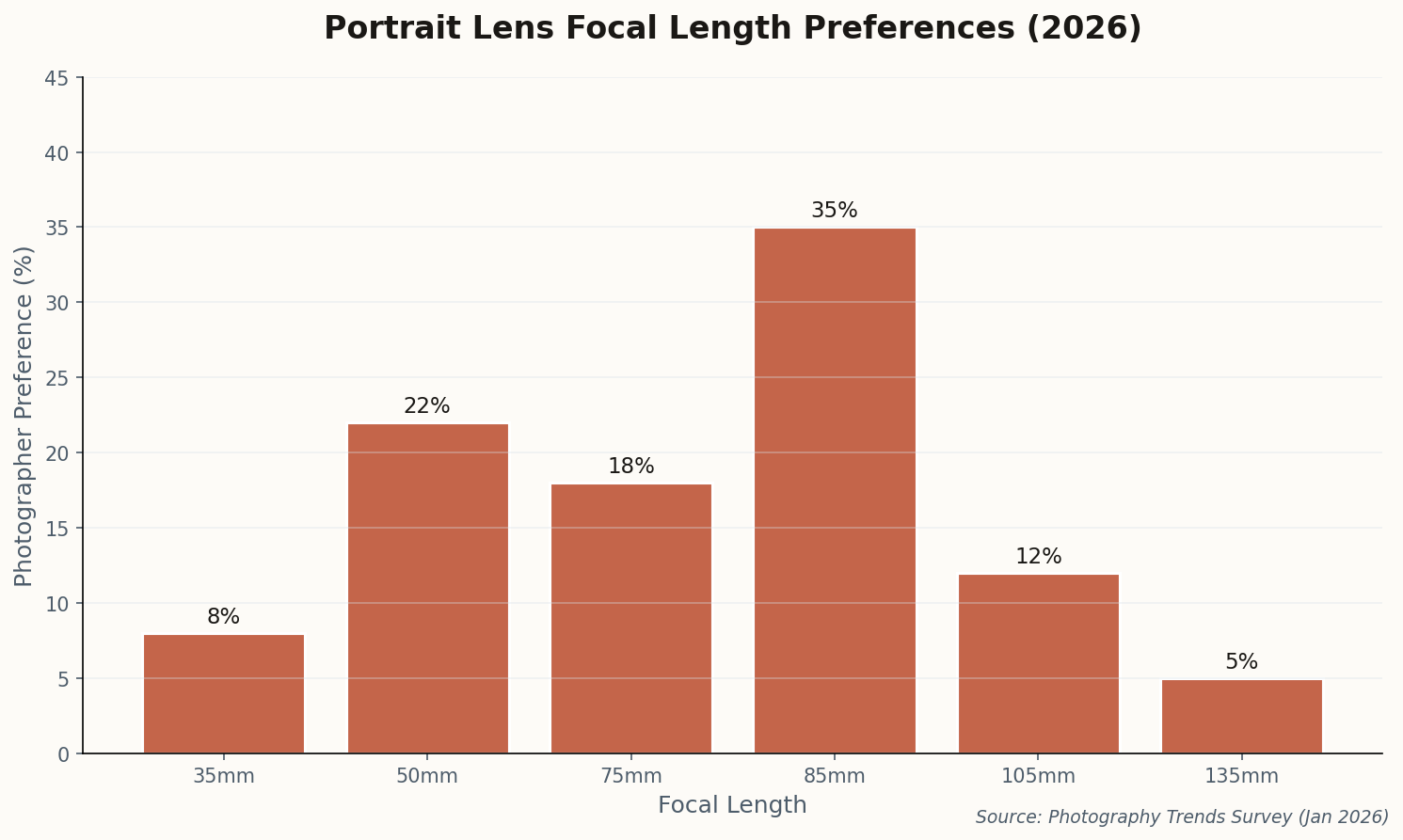
Bar chart showing portrait lens focal length preferences among photographers in 2026
85mm remains king for portraits, but 75mm is gaining ground—likely due to budget medium format options and the Voigtländer release.

The article includes diagrams showing how Leibovitz "feathered" the window light—angling the subjects so the brightest part of the window wasn't hitting them directly, but rather wrapping around from the side. This creates gradual falloff across the face instead of flat illumination.

The takeaway for 2026: high-end editorial work doesn't require strobes. The ceiling on natural light portrait quality is as high as you're willing to climb. The constraint isn't the light—it's the photographer's understanding of how to shape it.

05

The "Perfectly Imperfect" Movement Has a Name Now

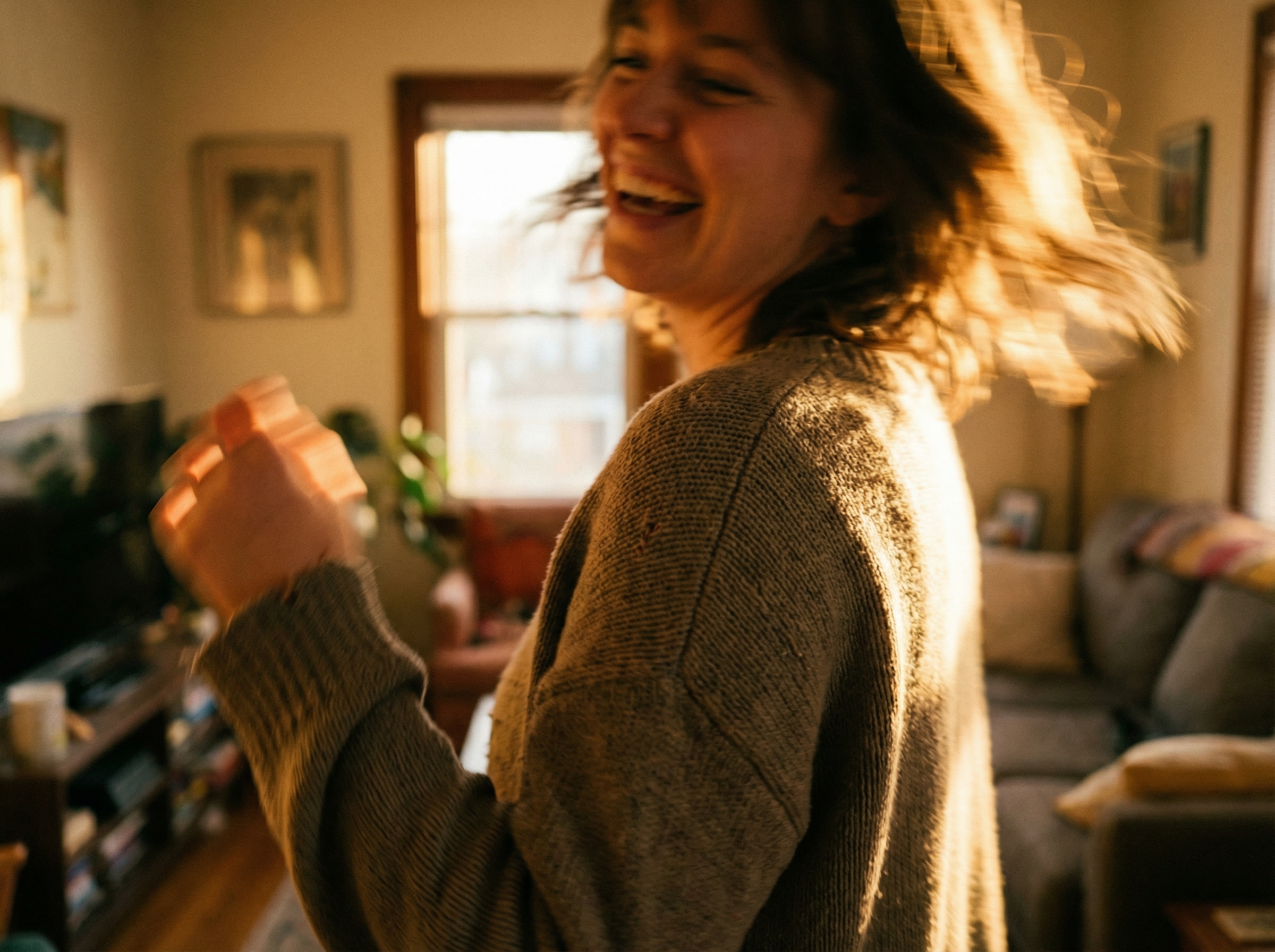
Candid portrait with intentional motion blur showing authentic unposed moment

The aesthetic rebellion we've been tracking all week now has formal documentation. A surge of tutorials and articles across the photography blogosphere are coalescing around what they're calling "anti-posing" and "candid realism"—and the movement explicitly positions itself as a rejection of AI-generated perfection.

The technical manifestations are specific: intentional motion blur, slightly "off" focus, and—critically—embracing the mistakes that make images feel human. Photographers are being instructed to capture the moment between poses, the glance that wasn't planned, the half-expression that would have been re-shot in traditional portraiture.

This is a direct cultural pushback. When Midjourney can generate a technically perfect portrait in seconds, technical perfection loses its value as a signal of skill. What AI cannot replicate—yet—is the authentic accident. The imperfection that proves a human was present, making choices in real time.

For natural light shooters: This trend plays to your strengths. You've always worked with conditions you can't fully control. The difference now is that unpredictability is an asset, not a limitation. Lean into the window flare. Keep the motion blur. The perfect shot might be the one you almost deleted.

06

Voigtländer's Bokeh Dial: Hardware-Based Dreaminess Control

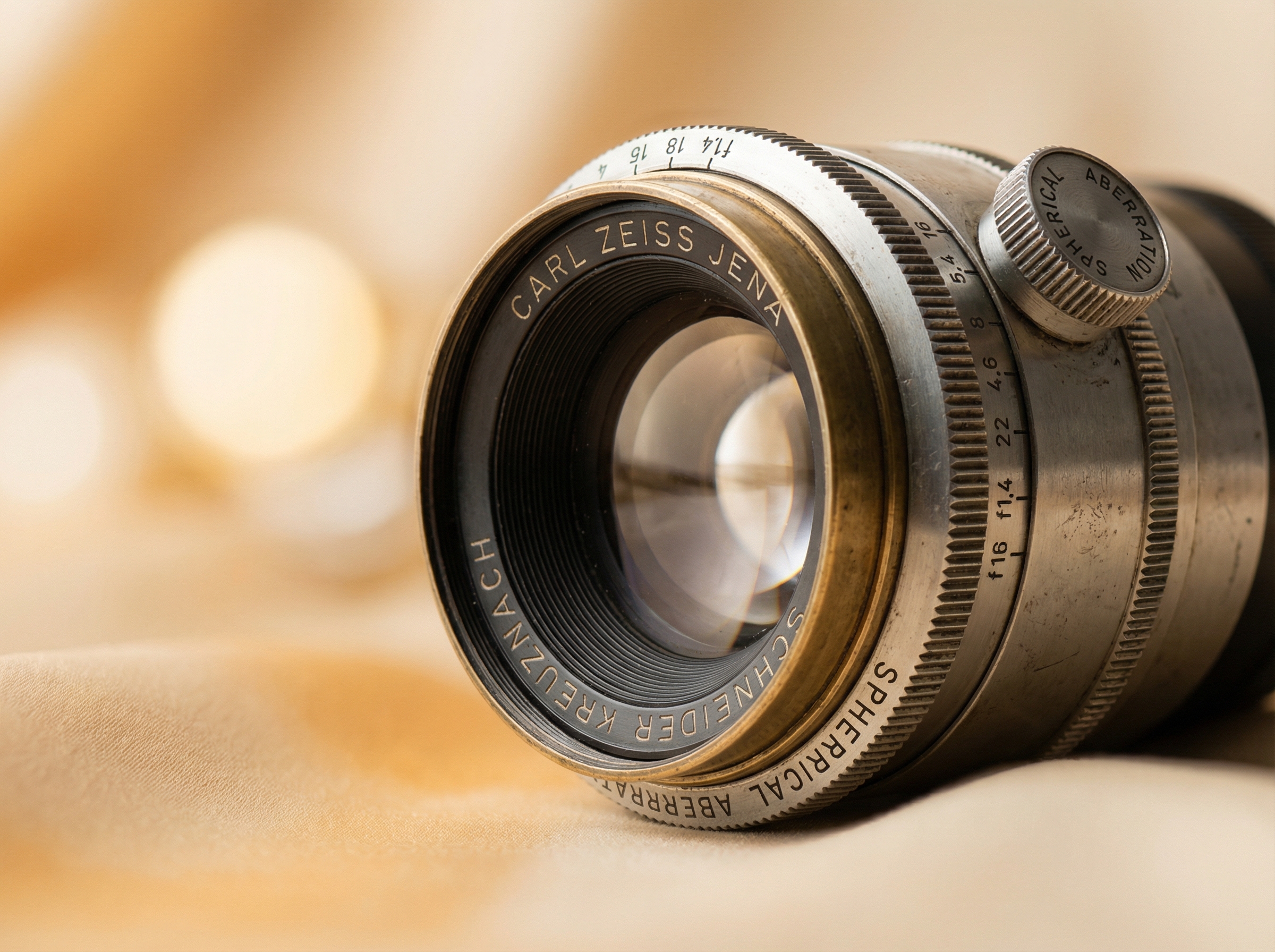
Vintage manual focus lens with aperture control ring and spherical aberration adjustment dial

Voigtländer just announced something weird and wonderful: a 75mm f/1.8 portrait lens for Canon RF and Nikon Z with a dedicated "Spherical Aberration Control Ring." It's a physical dial on the lens barrel that lets you adjust bokeh character from hard and sharp to soft and glowy—in real time, before you shoot.

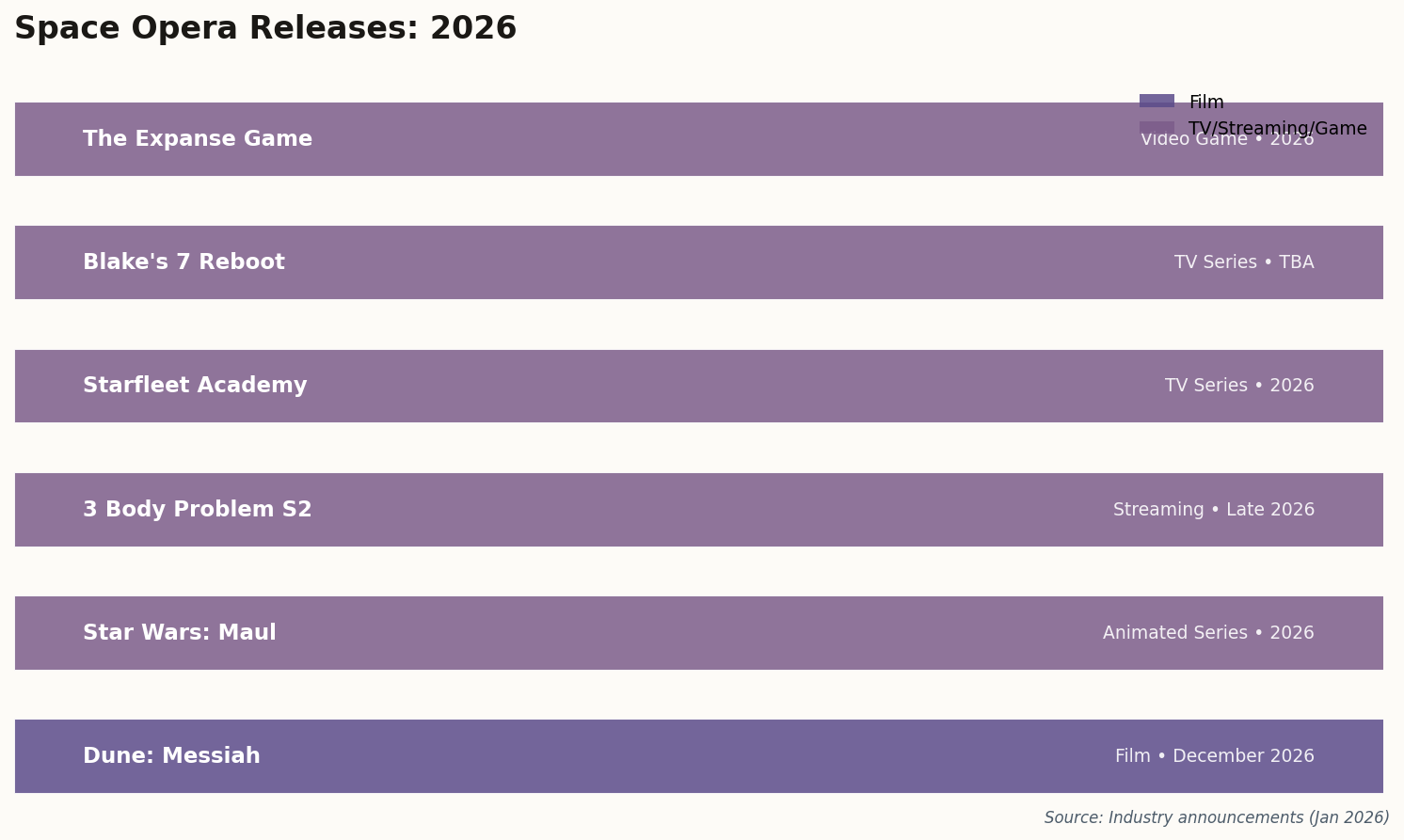
Horizontal bar chart showing 2026 portrait lens releases and their prices
2026 lens releases: Voigtländer and SG-image bring interesting options at budget-friendly prices, while Sony and Canon target pros.

This matters for natural light portraitists because it offers hardware-based control over the "dreaminess" of your image without touching post-processing. Traditionally, achieving that soft-focus glow required either vintage lenses (unpredictable), diffusion filters (one-dimensional), or Photoshop (time-consuming). The Voigtländer approach puts it on a dial.

At $799, it's priced for enthusiasts rather than weekend snappers. And it's manual focus only—again, targeting photographers who want deliberate control rather than spray-and-pray autofocus. But for natural light work where you're already slowing down to read the light, manual focus is part of the ritual, not an obstacle.

The timing is interesting. Just as the industry pivots toward "authentic imperfection," Voigtländer releases a lens that lets you dial in exactly how much dreamy imperfection you want. It's either brilliant market timing or pure coincidence. Either way, expect this control ring concept to show up in competing lenses by 2027.

The Light Hasn't Changed. Our Eyes Have.

Natural light portraiture in 2026 isn't about chasing perfection—it's about finding truth in what's already there. The window light that's been illuminating human faces for millennia doesn't need AI enhancement. It needs photographers willing to see its beauty in all its imperfect, directional, time-bound glory. Go find a north-facing window. Make something real.